How to create a professional website with Webfolio
Answer a short questionnaire, choose your website address, and publish a structured website with the pages most small businesses need. Keep the default design, customize the look, or add more content whenever you are ready.

— Step 1
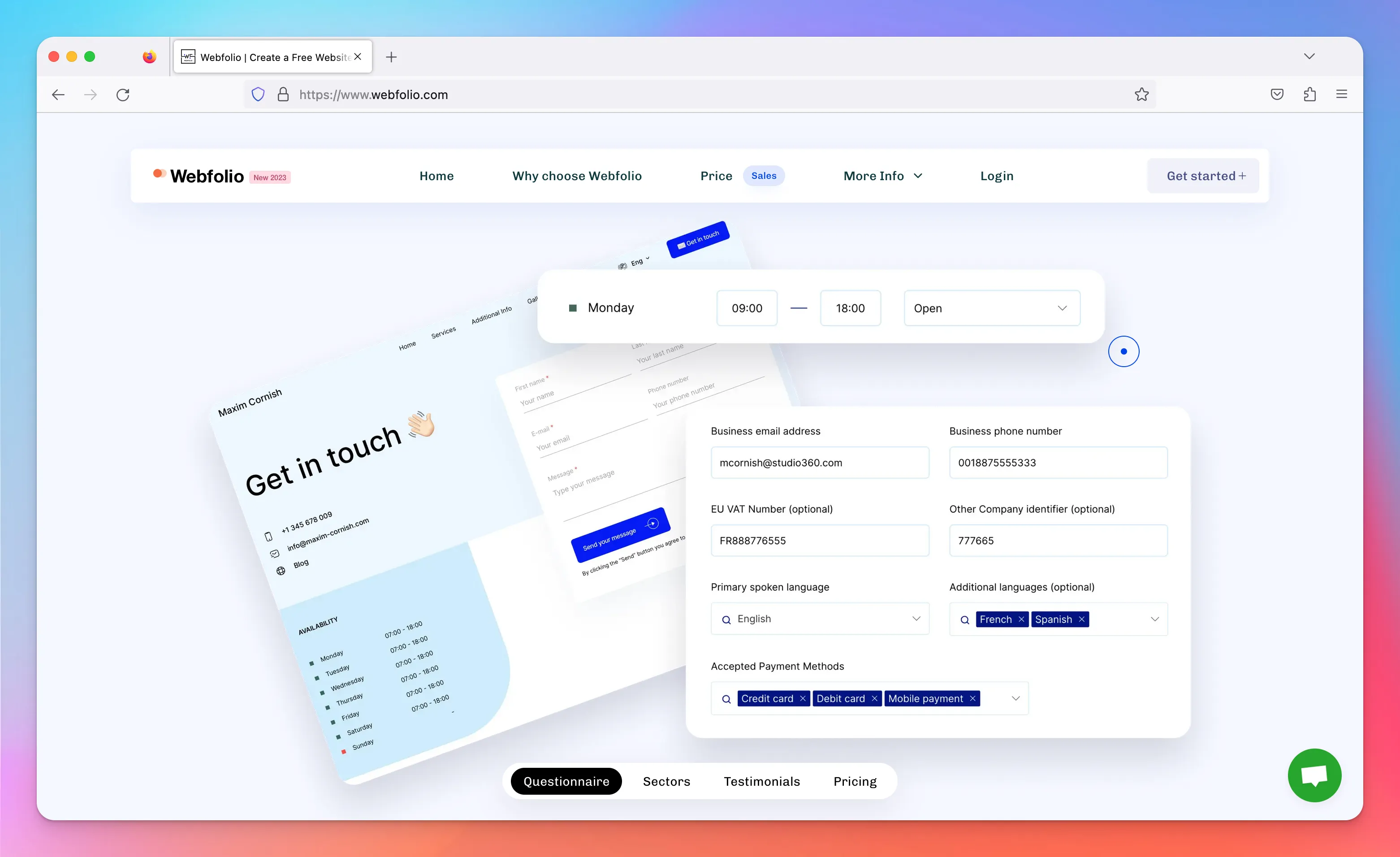
Answer a few questions about your business. Add your business name, profession, services, location, opening hours, and contact details.

— Step 2
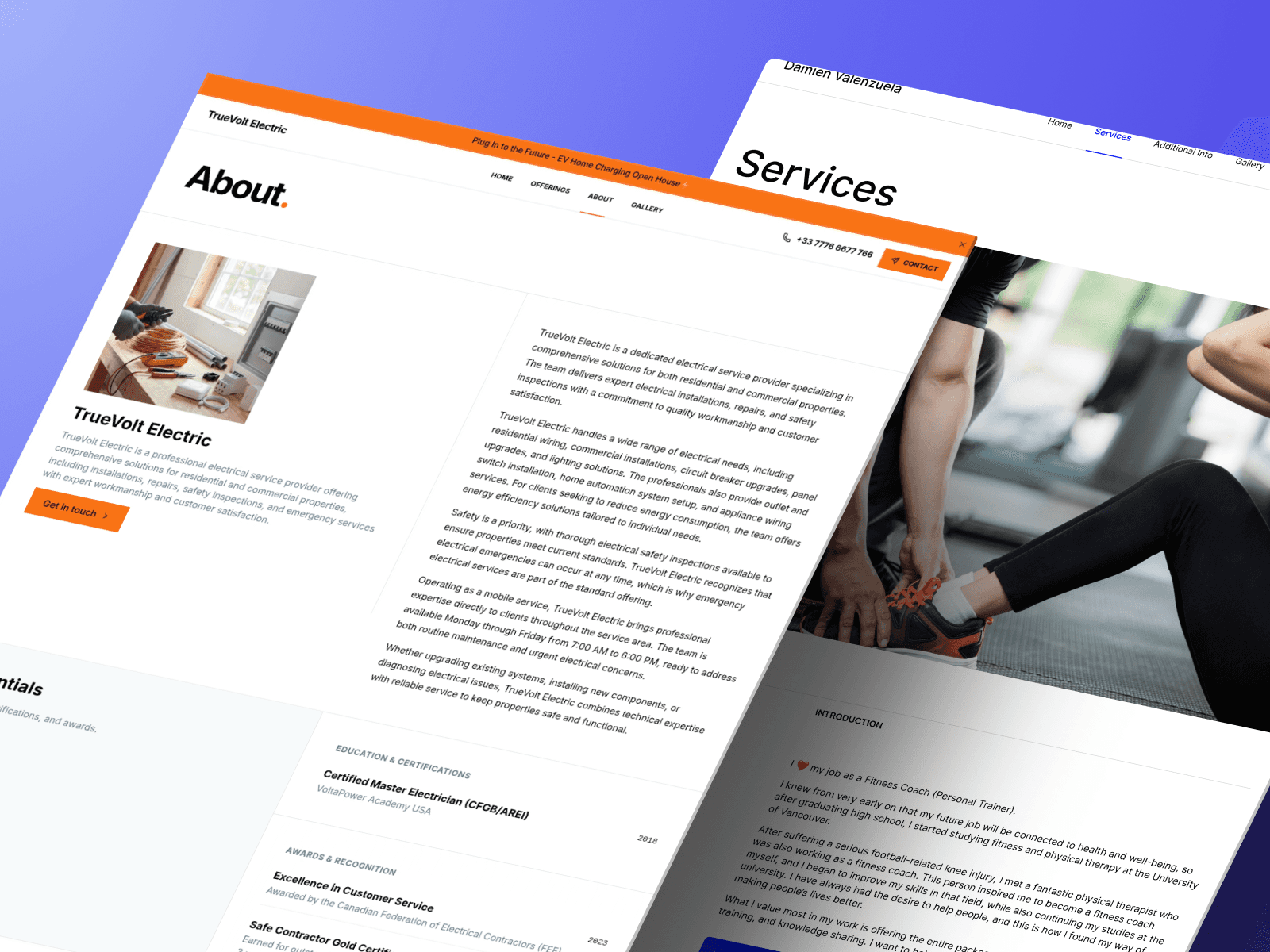
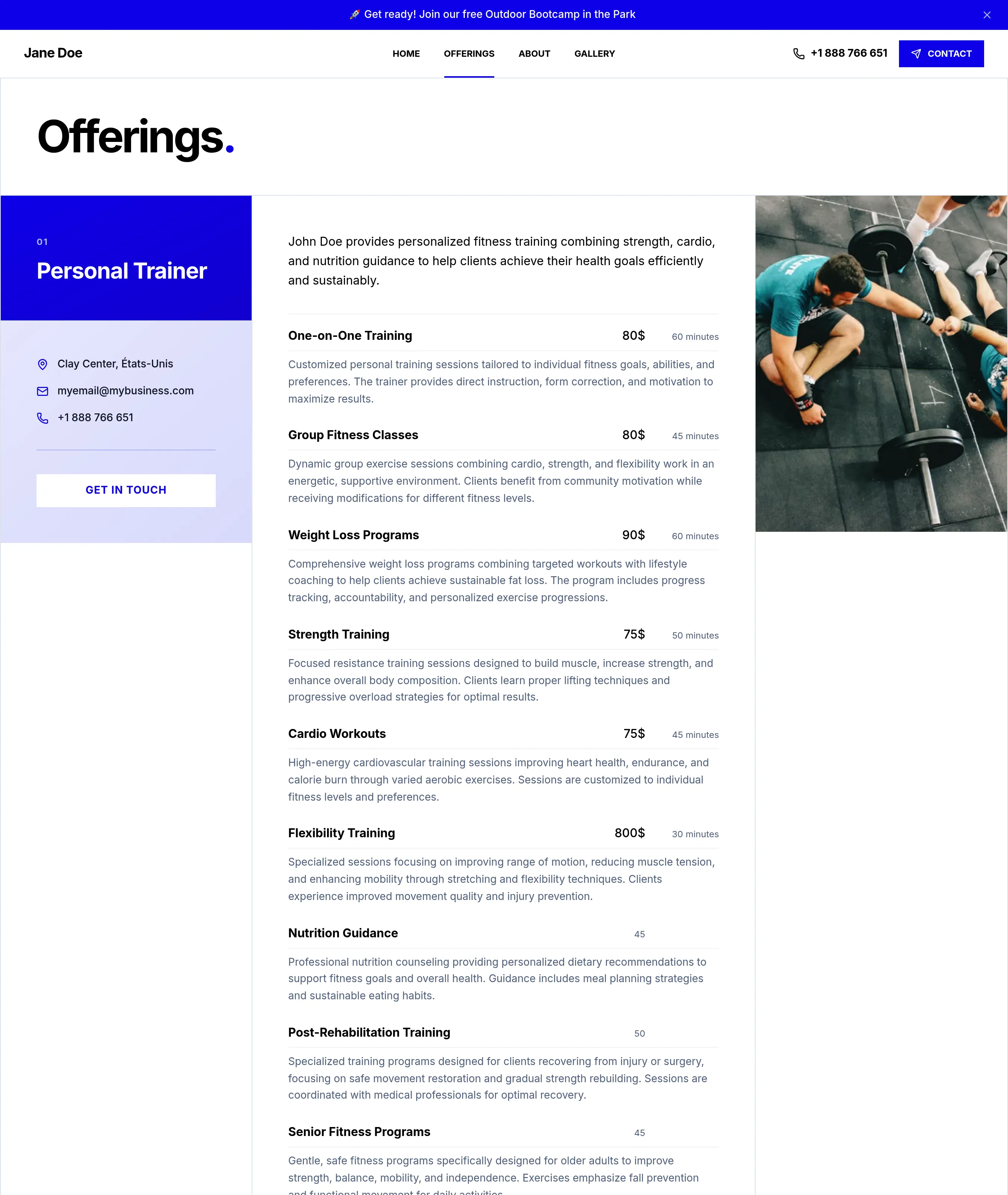
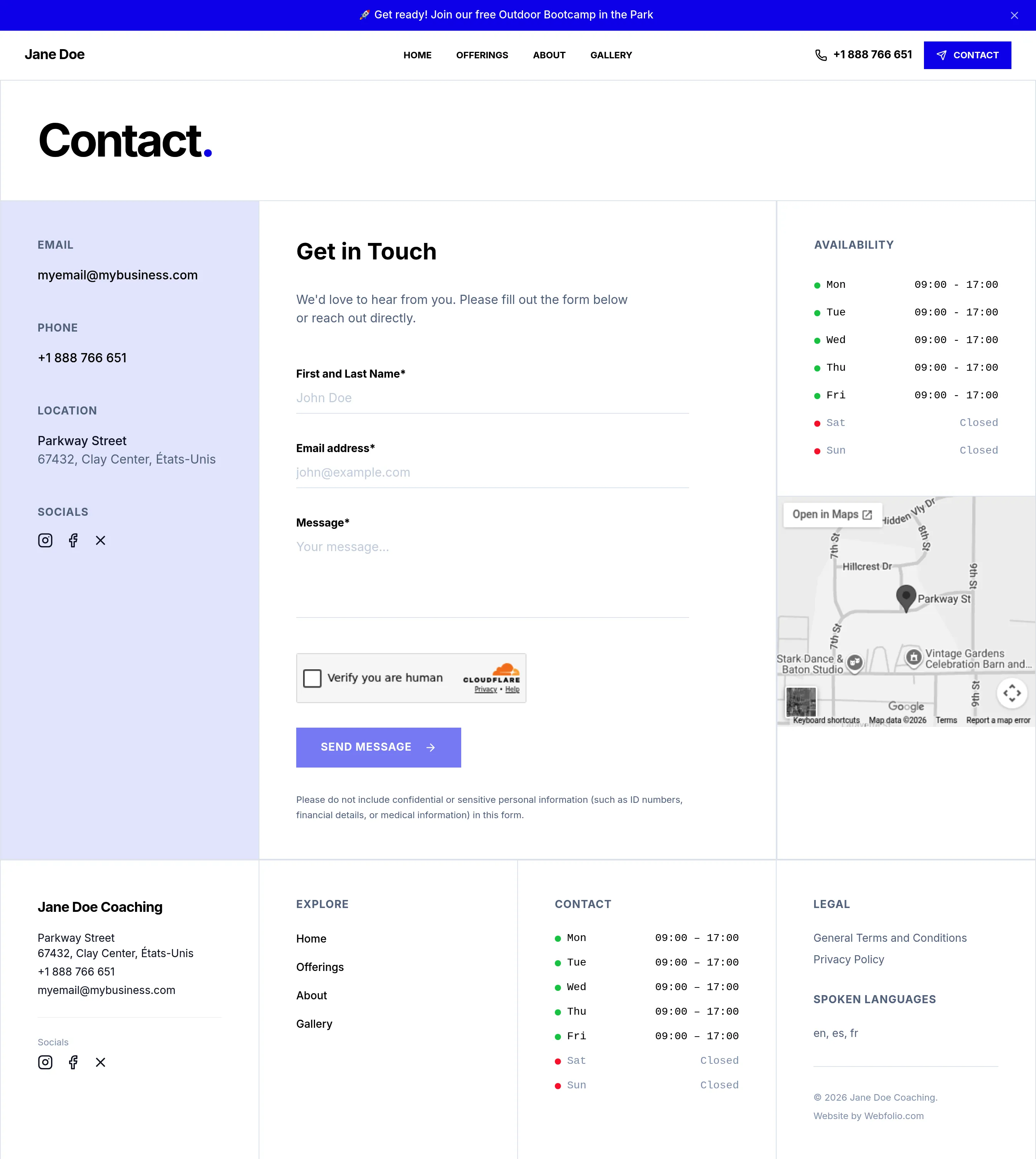
Webfolio turns your answers into a 5-page website. Home, Services, About, Gallery, and Contact are organized for you, so your site feels complete before you start customizing.
— Step 3
Publish your website, then edit it anytime. Keep the default design, customize the look, connect your domain, or add more content as your business changes.
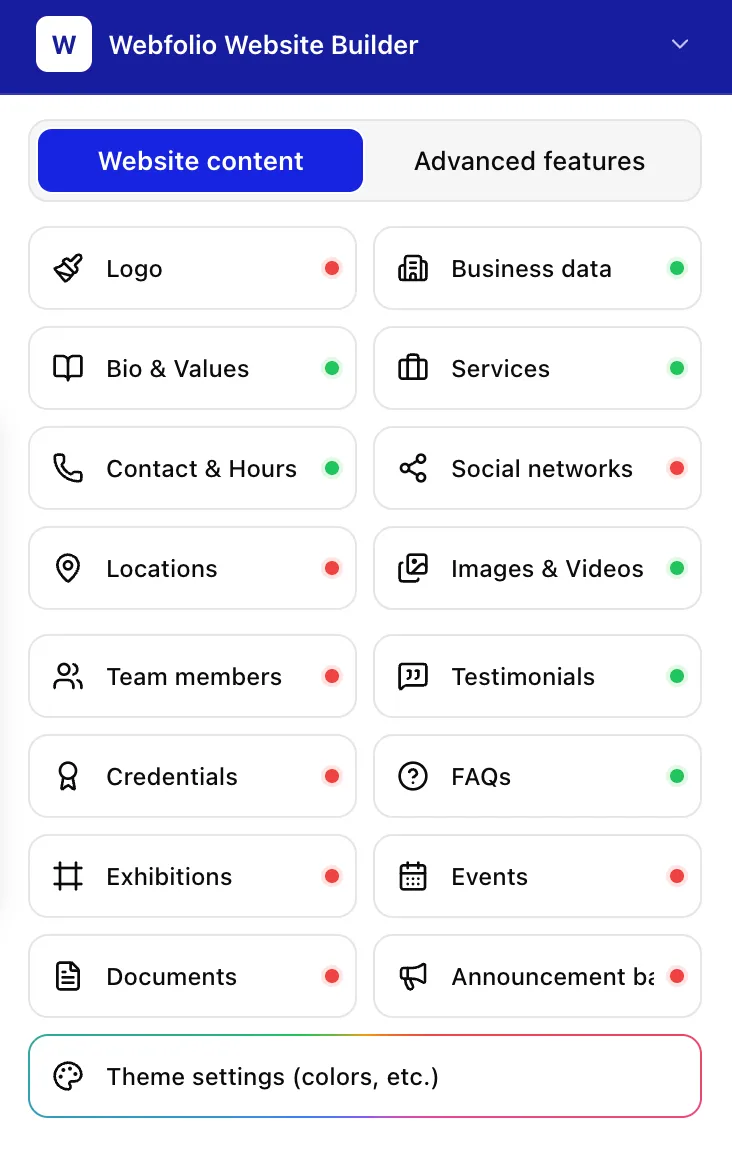
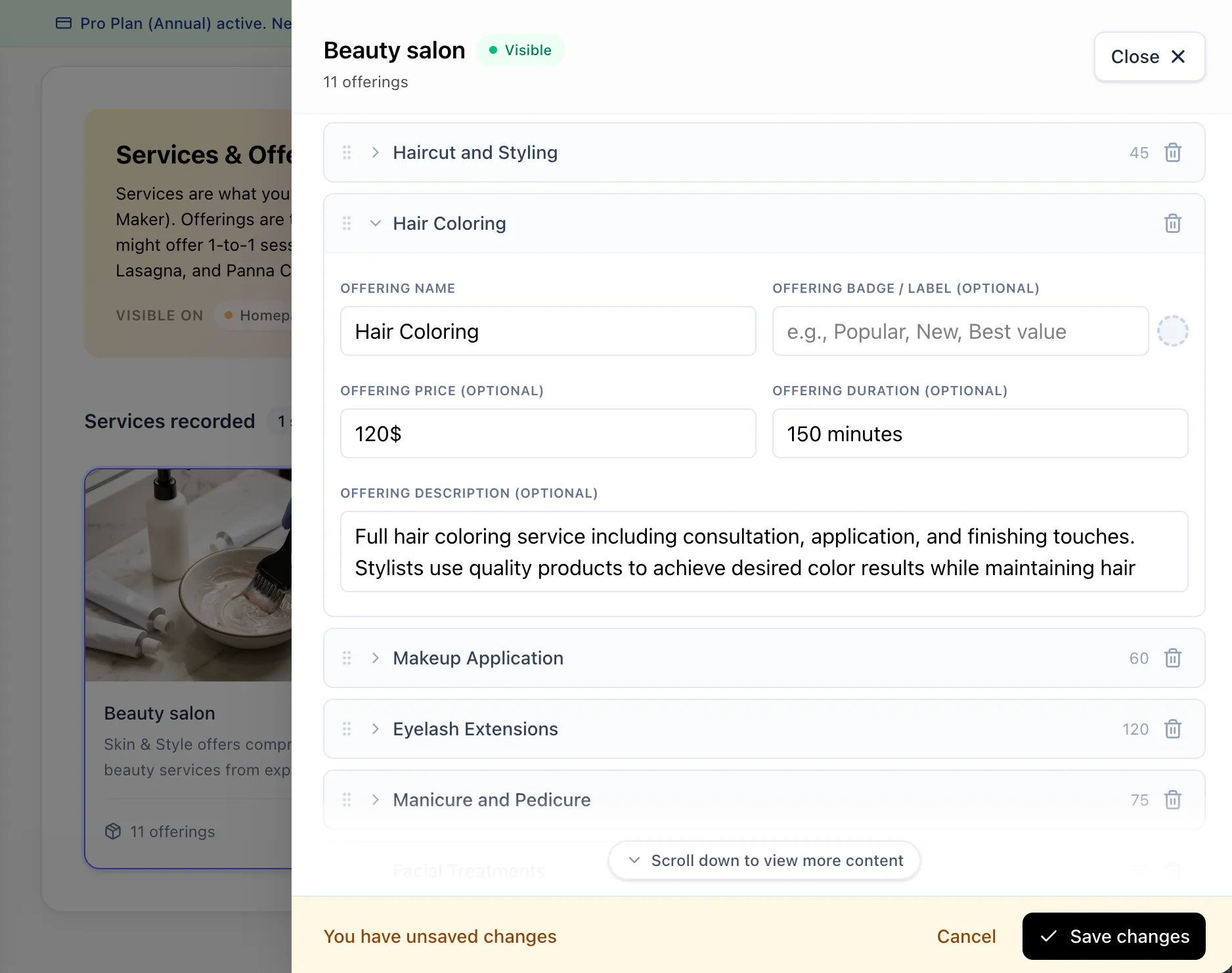
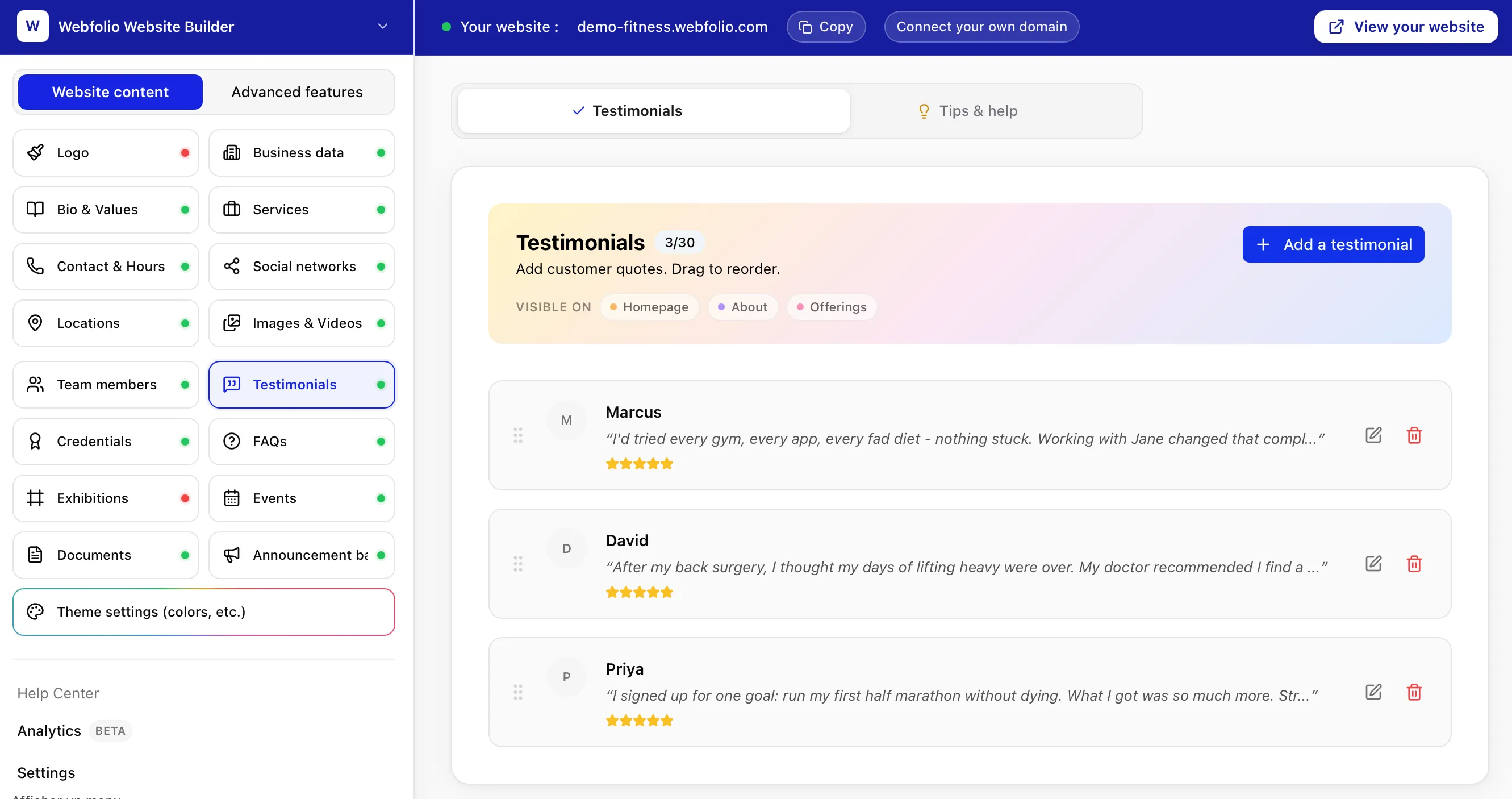
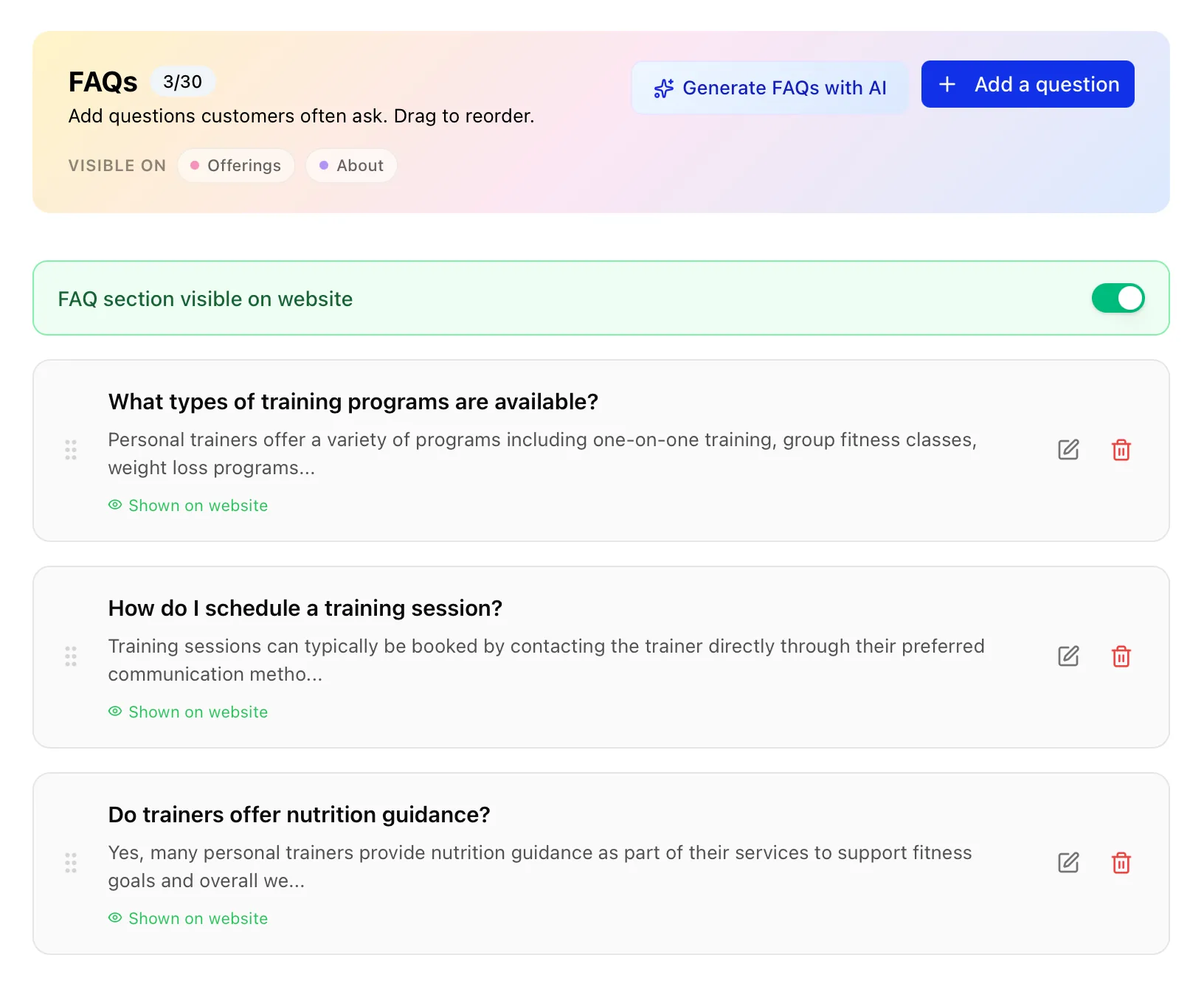
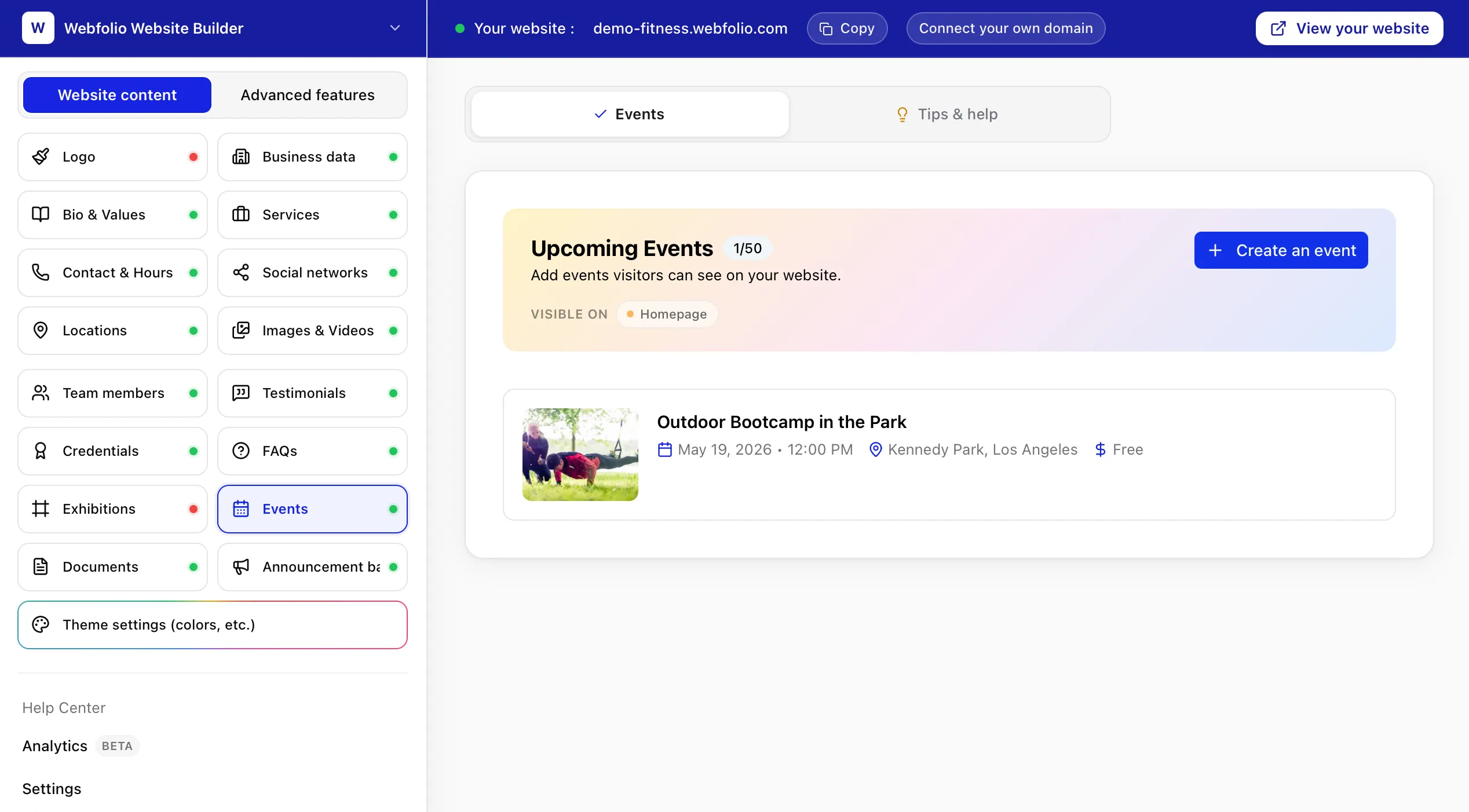
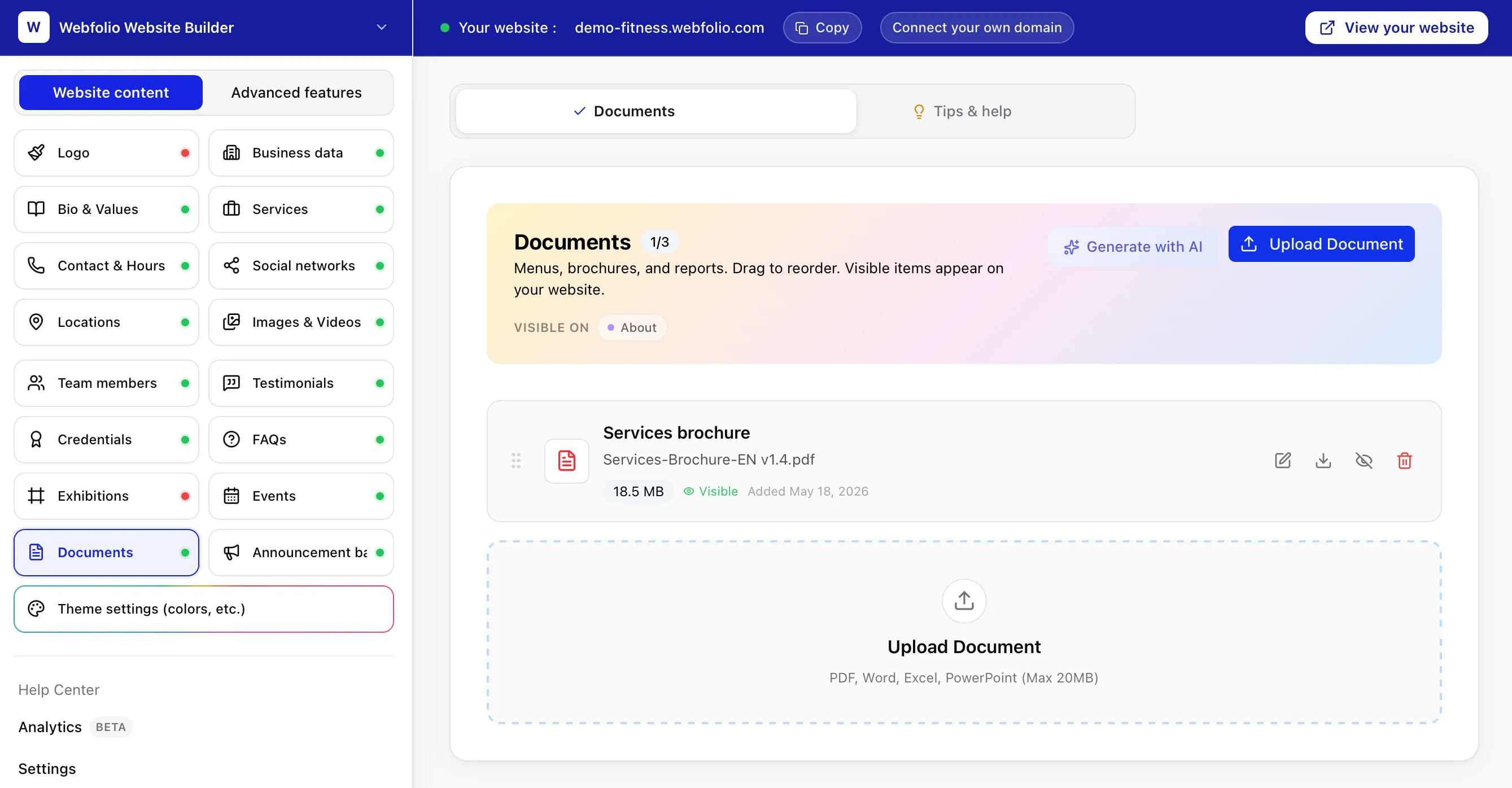
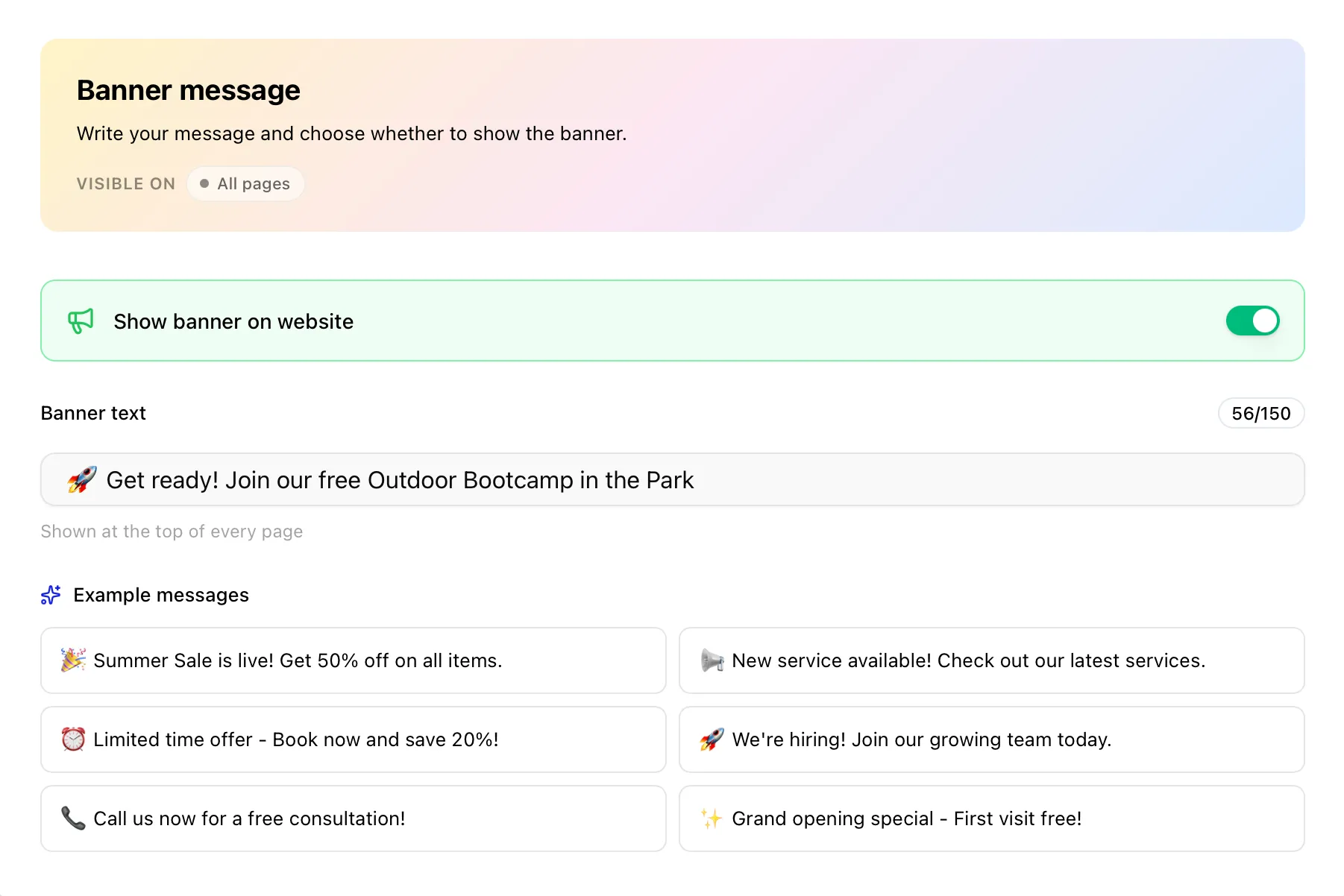
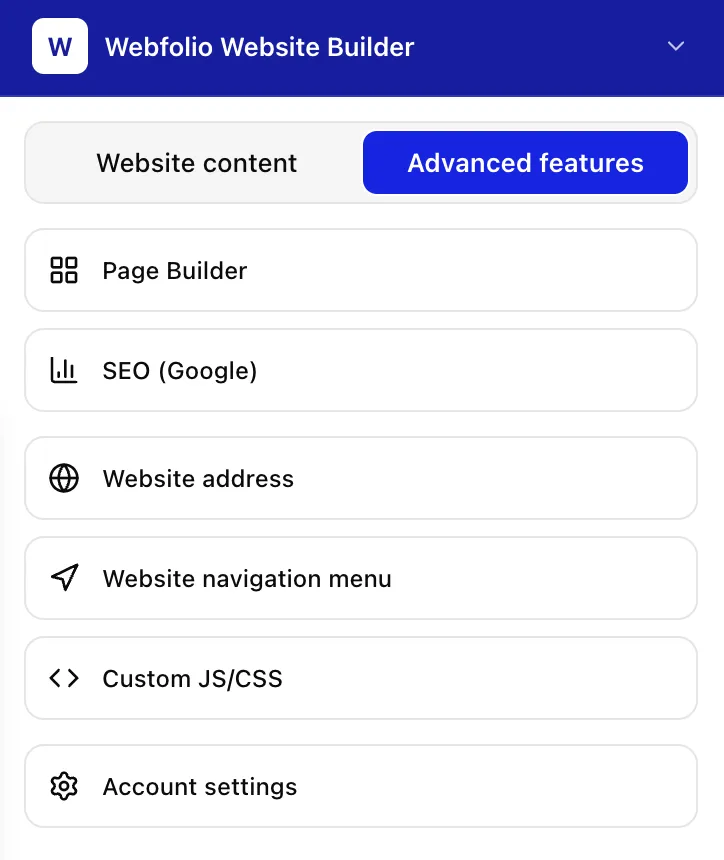
Simple when you start, flexible when you need more. Whether you need a simple website or a more complex one, Webfolio has what you need.

You may be wondering...
How does Webfolio work?
Webfolio uses a questionnaire-based approach to website design rather than a traditional interface with drag-and-drop elements for building pages. With Webfolio, you simply answer questions about your business — what you do, where you work, and what you offer — and Webfolio then uses that information to create a structured five-page website, with each element (e.g. bio, services, images, contact details) in its right place.
How do I create my first website?
Creating your first Webfolio website usually takes 10 to 15 minutes. First, you answer a short questionnaire — business name, services, opening hours, location, and contact details. Webfolio then organizes your answers into a five-page website (Home, Services, About, Gallery, and Contact). From there, you can review the result, customize the look, add any extra content, and publish to your free Webfolio subdomain or connect your own domain. You can keep editing whenever you need to after launch.
How long does it take to create a website with Webfolio?
Webfolio is designed to help users create a first version of their website in minutes. The exact time depends on how much information, text, images, and service details you already have available before starting.
Does Webfolio use AI to create website content?
Yes, Webfolio can use AI to help generate starter content such as bios, service descriptions, FAQs, values, and other text sections. Webfolio does not rely on AI to randomly generate the entire website structure. The structure is based on a human-designed framework for small business websites.
Can I add more pages after my website is created?
Yes. Webfolio starts with five core pages, but you can add custom pages when your business needs more content. Custom pages can be used for resources, menus, policies, blog posts, landing pages, service areas, events, or other business-specific information.
Can I edit my Webfolio website after it is published?
Yes. You can edit your Webfolio website after publishing. You can update services, prices, images, contact details, opening hours, design settings, pages, announcements, and other content from your dashboard.
Are website changes published automatically?
Yes. When you update your business information or website content in the Webfolio dashboard, those changes are reflected on your live website. This makes it easier to keep your website current as your business changes.
Do I need web design or coding skills to use Webfolio?
No. Webfolio is built for non-technical users who do not want to design or code a website from scratch. You provide your business information, choose basic design preferences, and manage updates from a dashboard.
Can I connect my own domain name to Webfolio?
Yes. You can connect your own custom domain to your Webfolio website when you are ready. You can start with a free Webfolio subdomain first and move to your own domain later.
Can I customize the design of my Webfolio website?
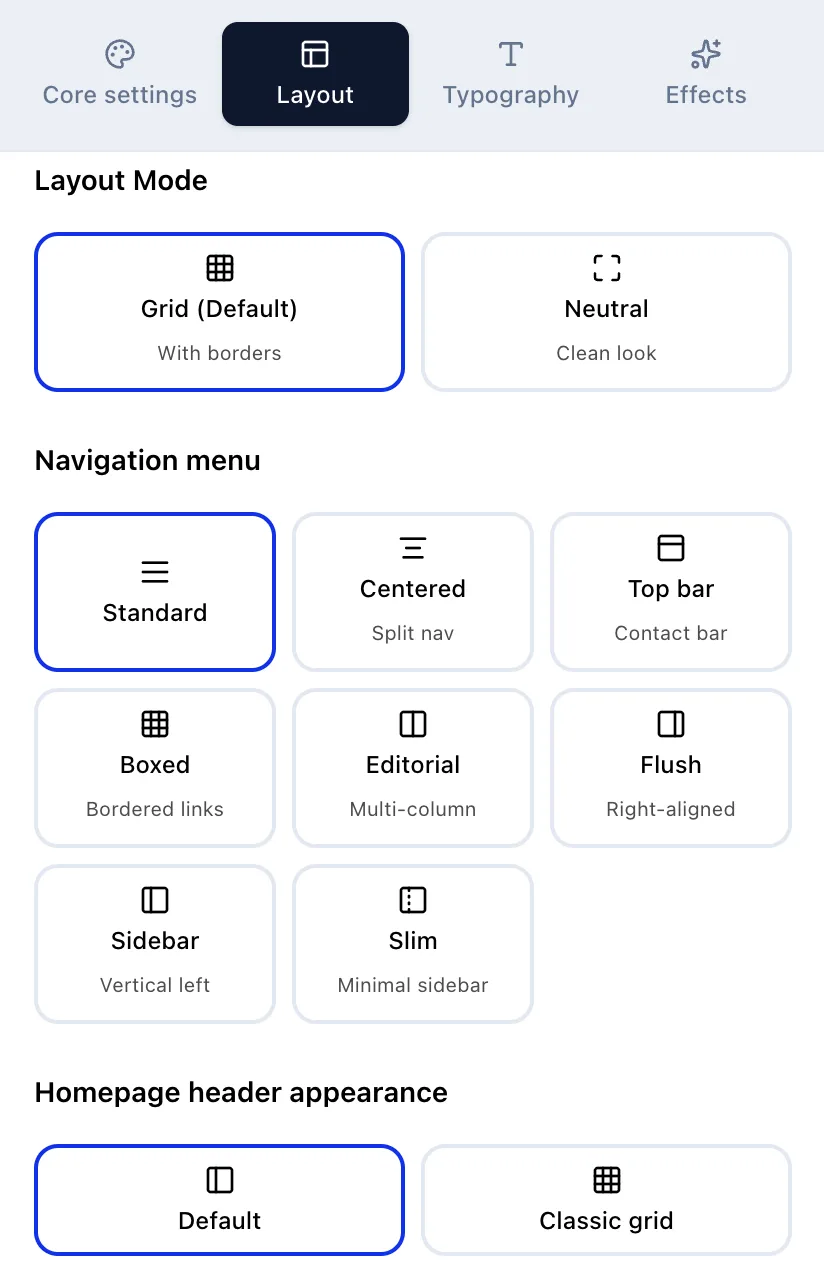
Yes. Webfolio lets you customize the design of your website by changing visual settings such as colors, typography, buttons, headers, navigation, image styles, and other brand elements. The structure remains clear while the design can match your brand.
What if I get stuck?
Webfolio is built to be straightforward, but if you get stuck or have a question, our small team is here to help. Every support message is read and answered by a real person — no bots, no scripted replies. You can reach us anytime at support(@)webfolio.com, and we usually reply within 24 hours.