What a Webfolio website looks like
Explore the five core pages included with every Webfolio website: Home, Services, About, Gallery, and Contact. See how your business information is organized, and how you can personalize the design to match your brand.
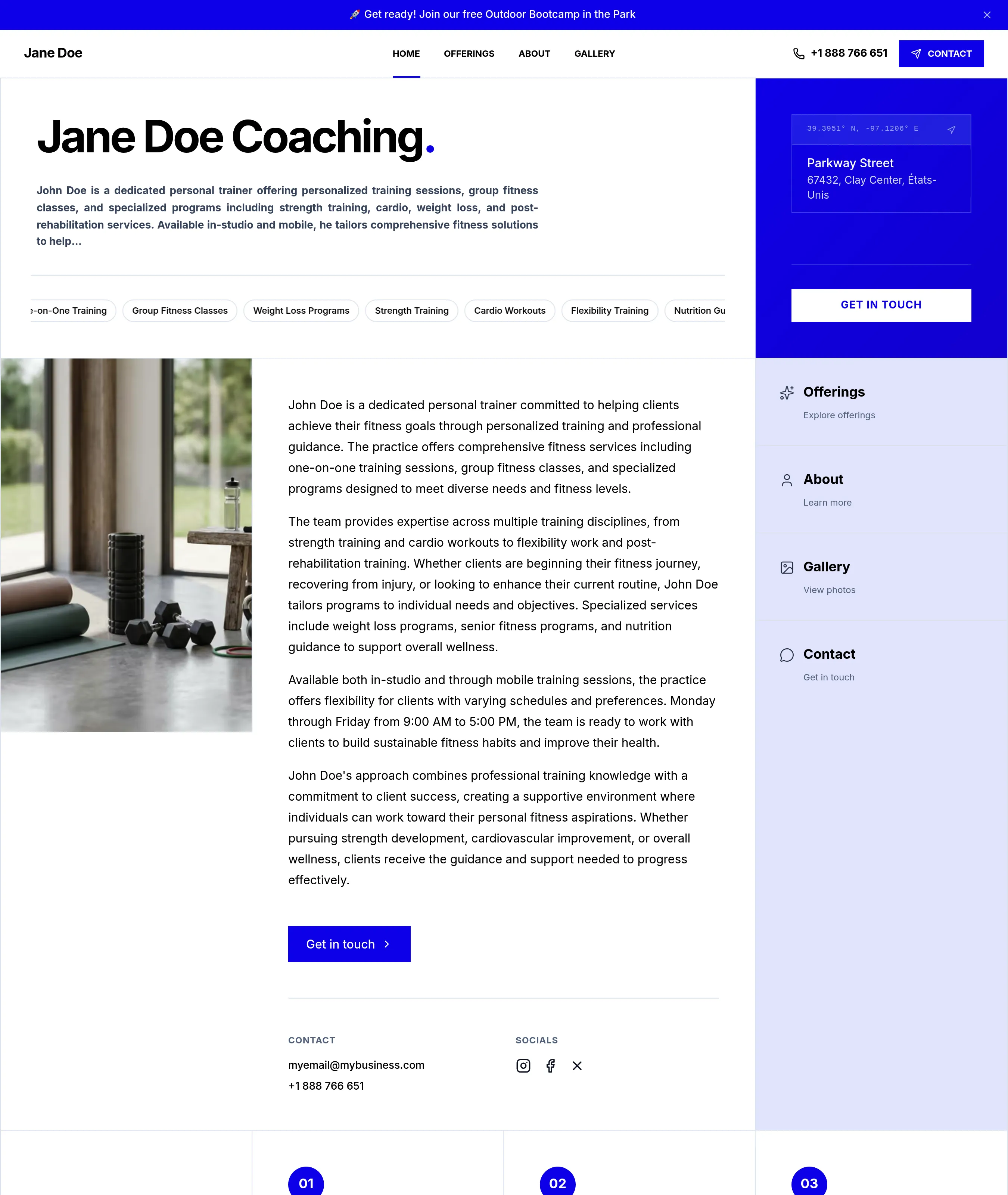
— Homepage
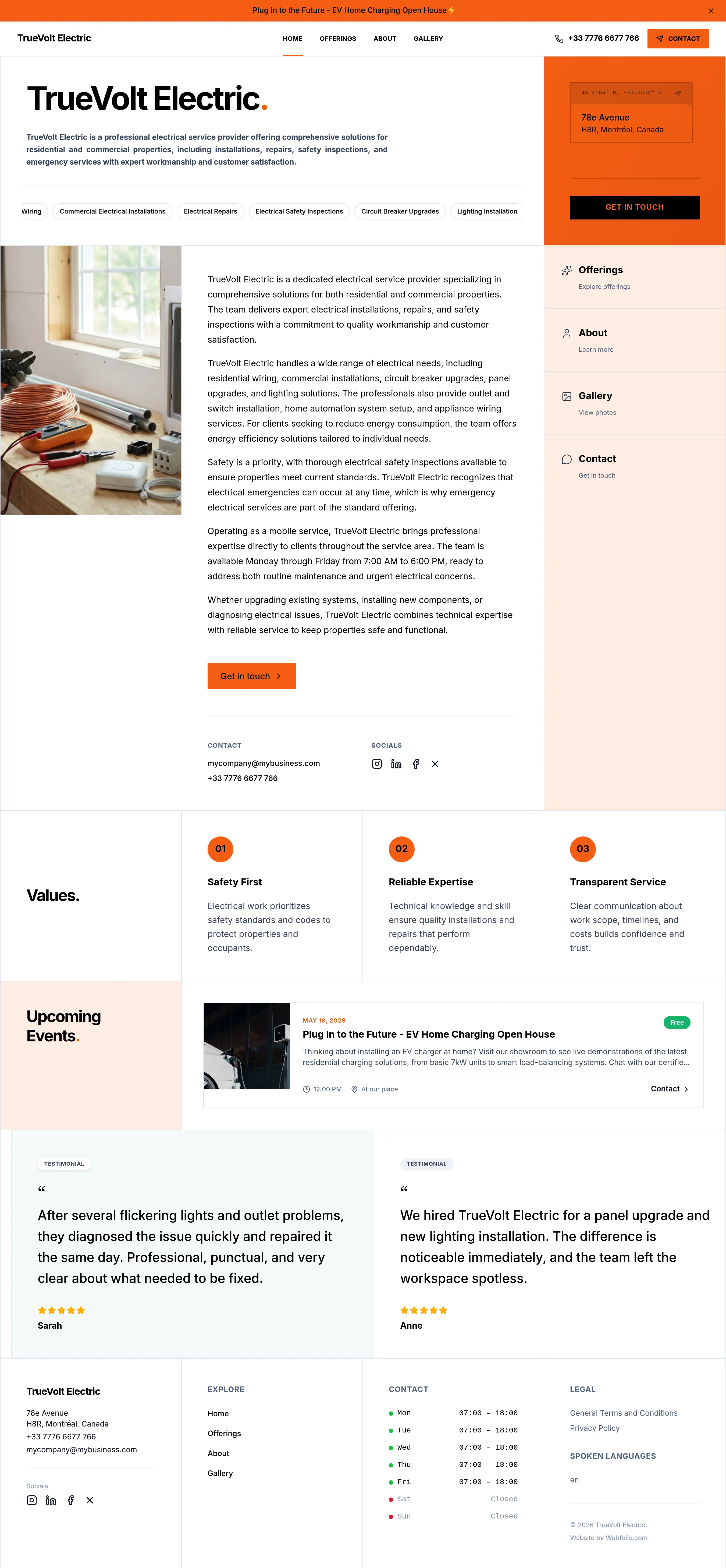
A crystal-clear homepage. In a few seconds, visitors understand who you are, what you do, where you operate, and why they should keep exploring.

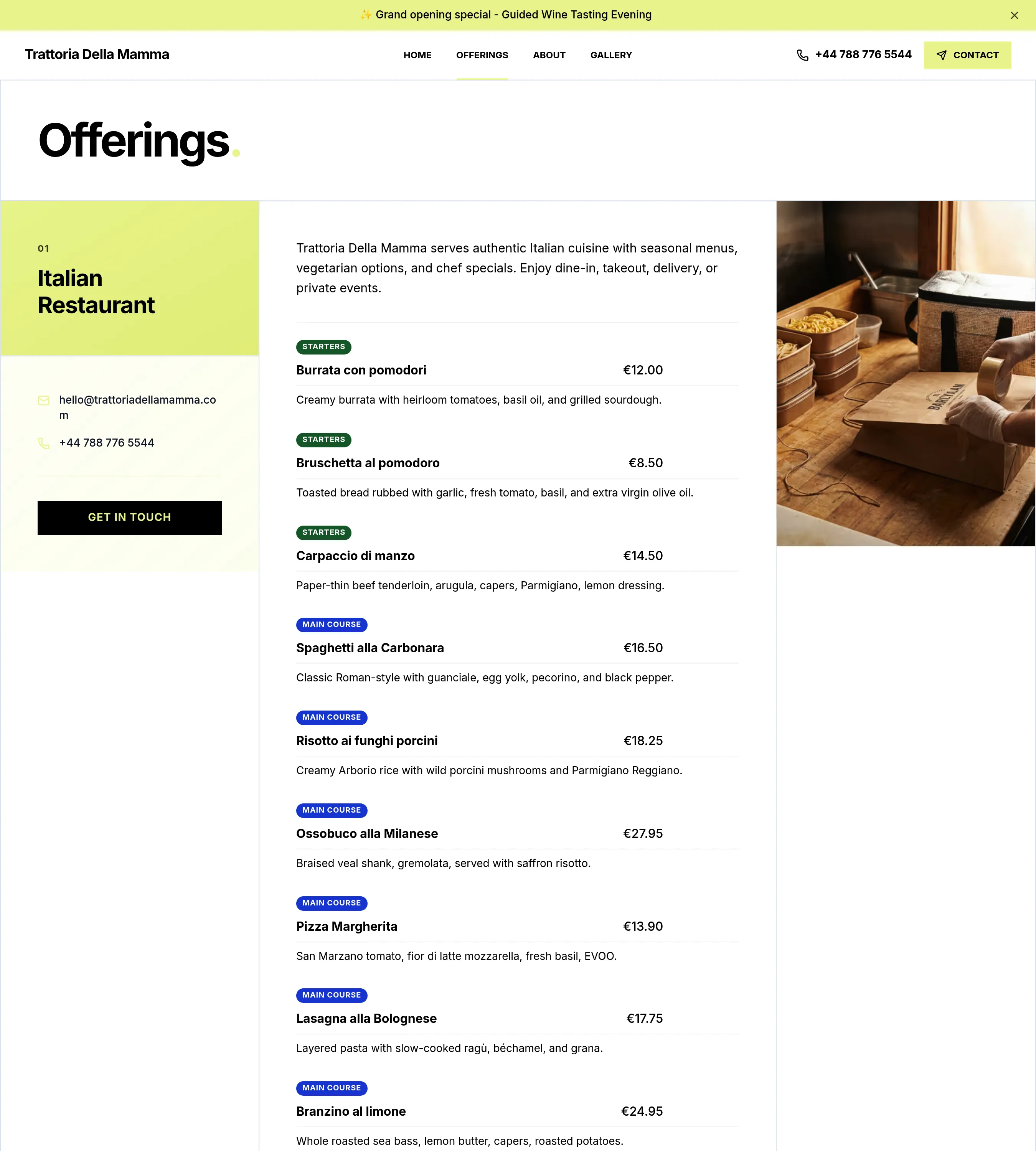
— Services & Offerings
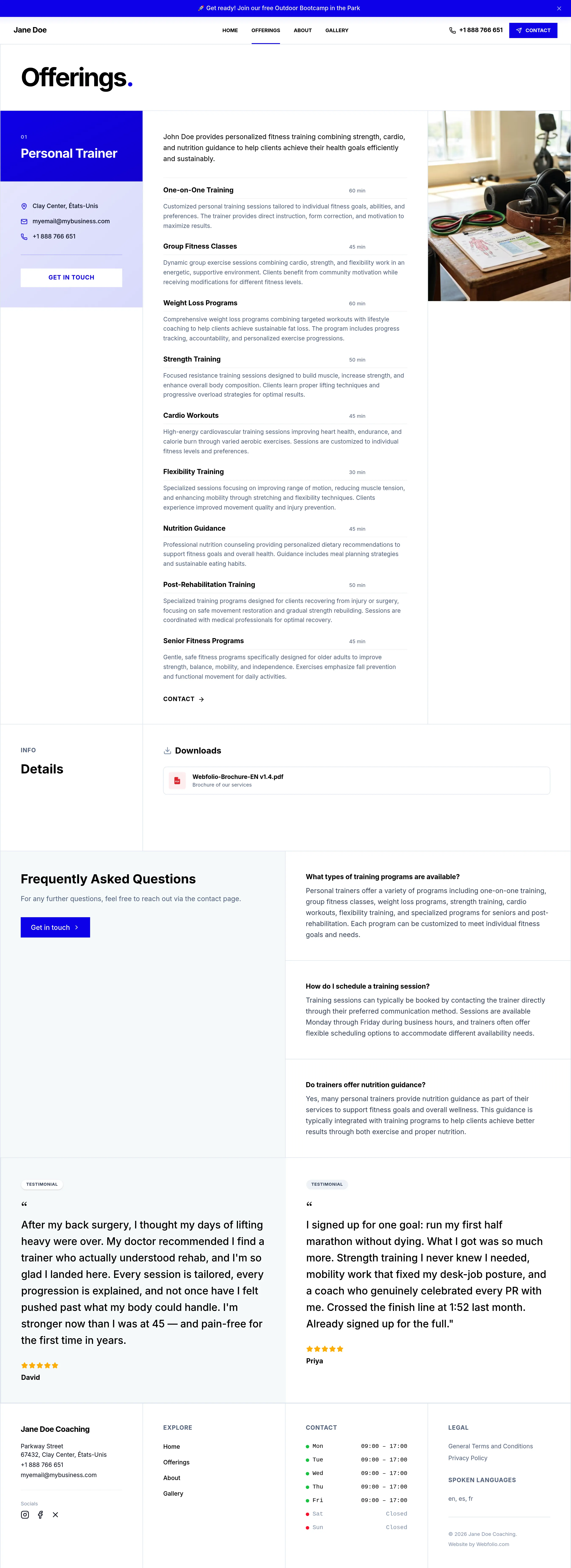
A 'Services' page built around your offers. Add your services, packages, prices, durations, descriptions, and supporting details so visitors can understand exactly what you provide.
.
— About
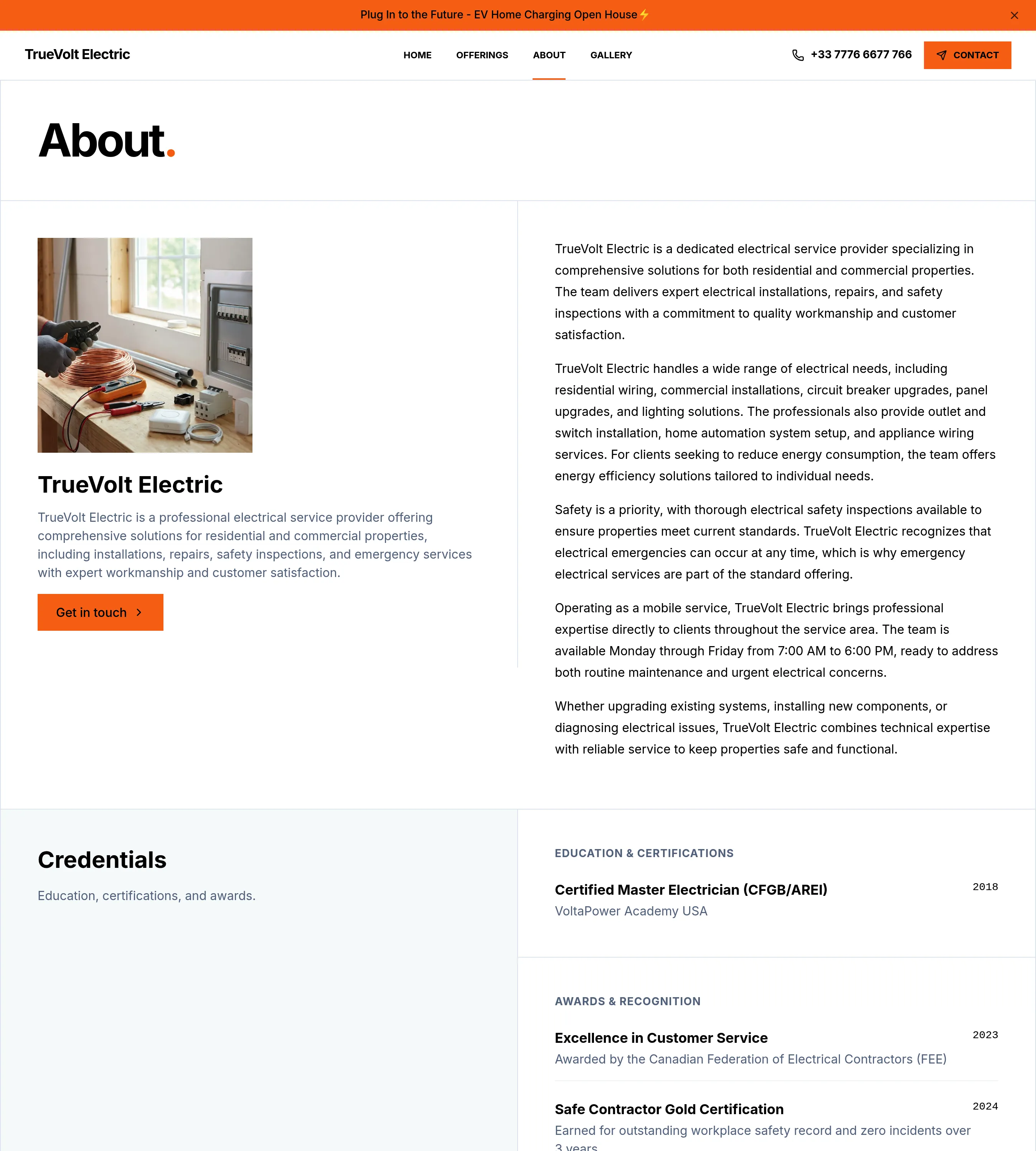
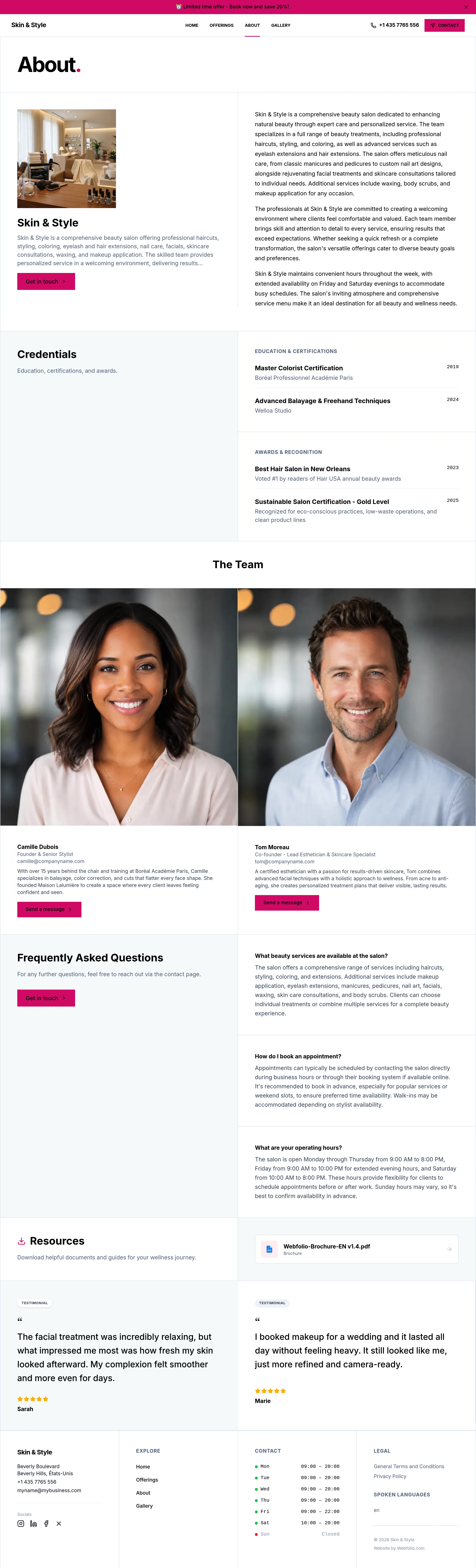
A crisp 'About' page. Share your story, experience, values, approach, languages, team members, and background so visitors know exactly who they'll be working with.
— Pictures & Videos
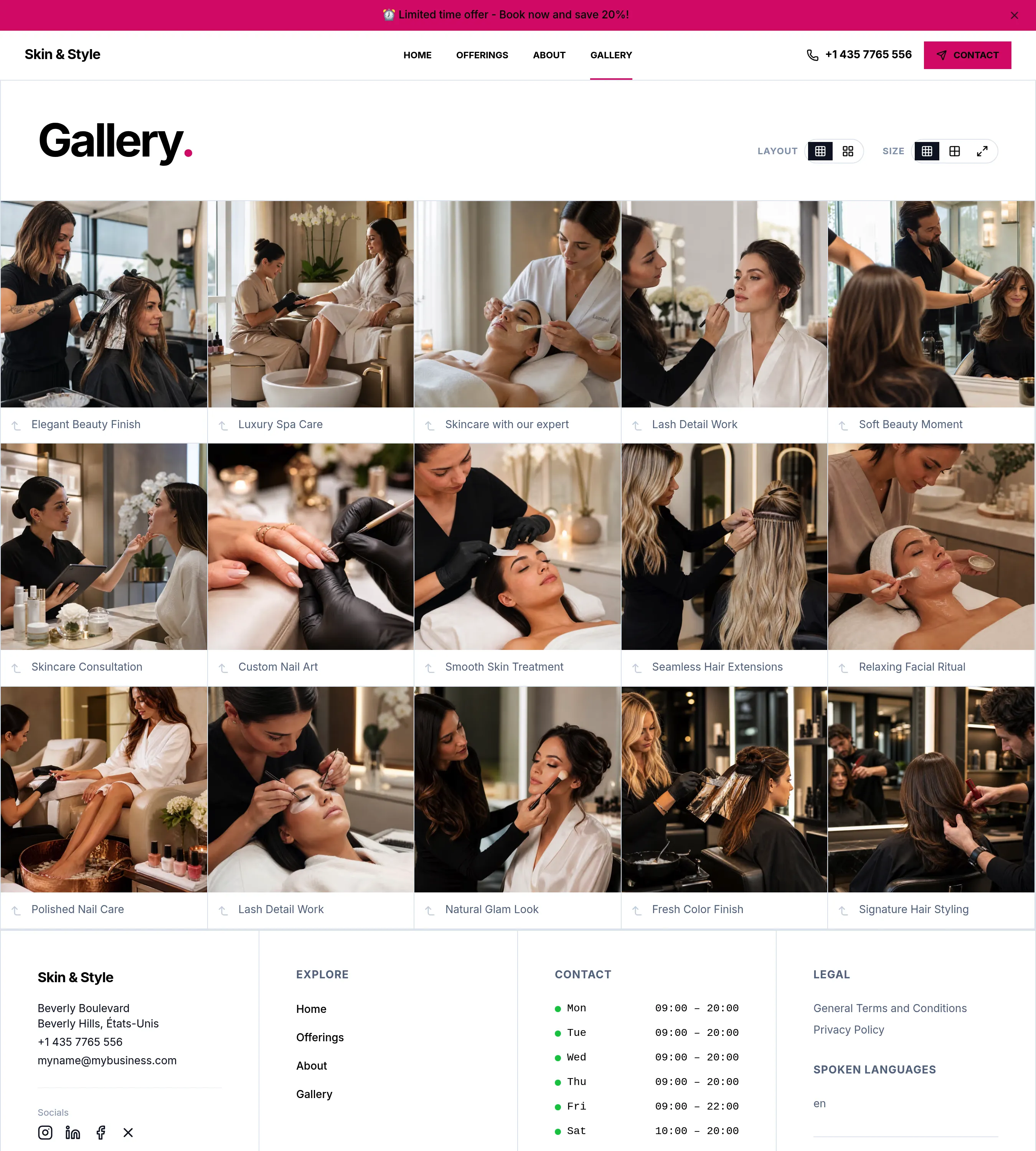
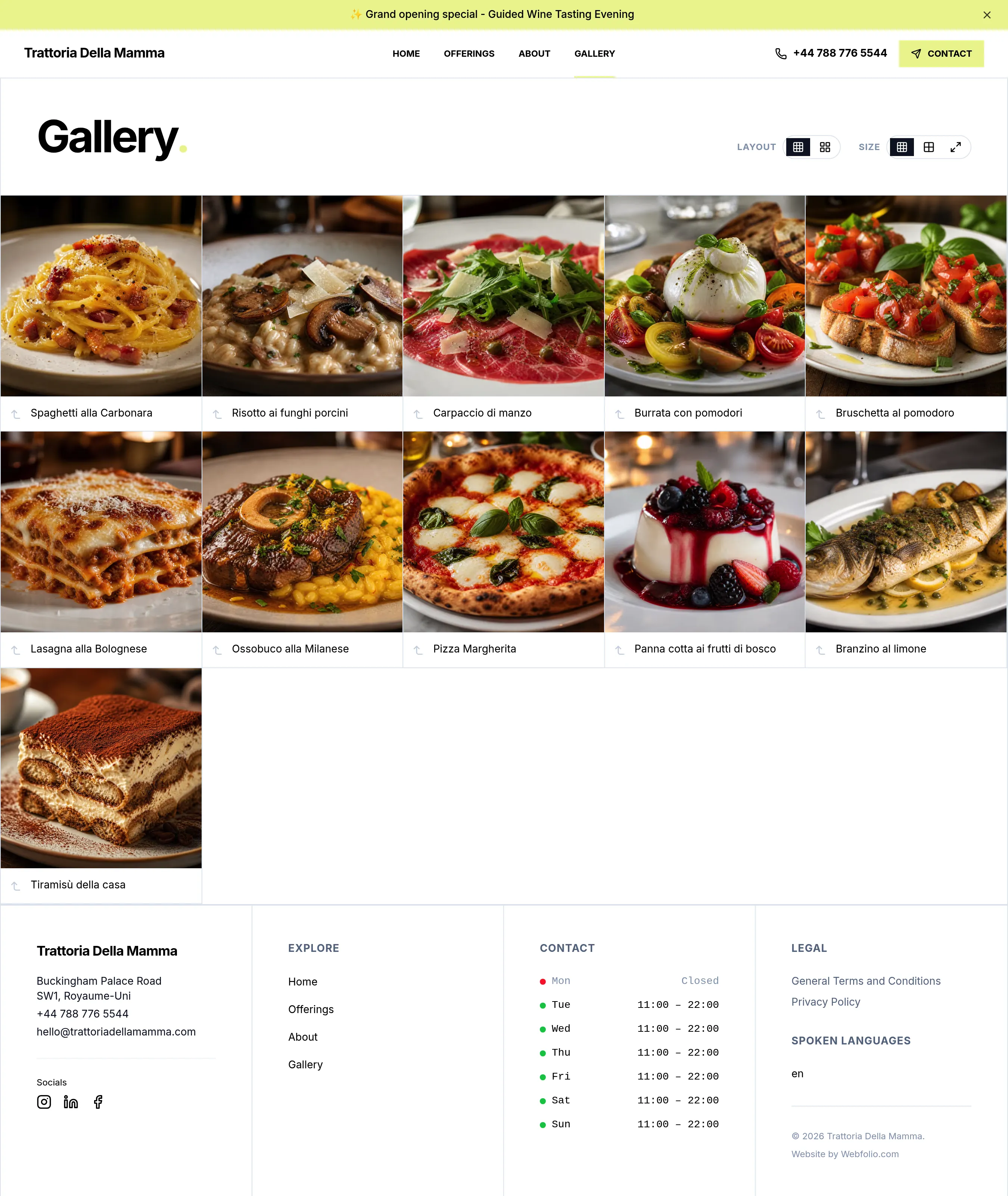
A beautiful 'Gallery' page. Use photos and videos to show your work, your space, your products, your team, your atmosphere, or the results you help customers achieve.
— Contact
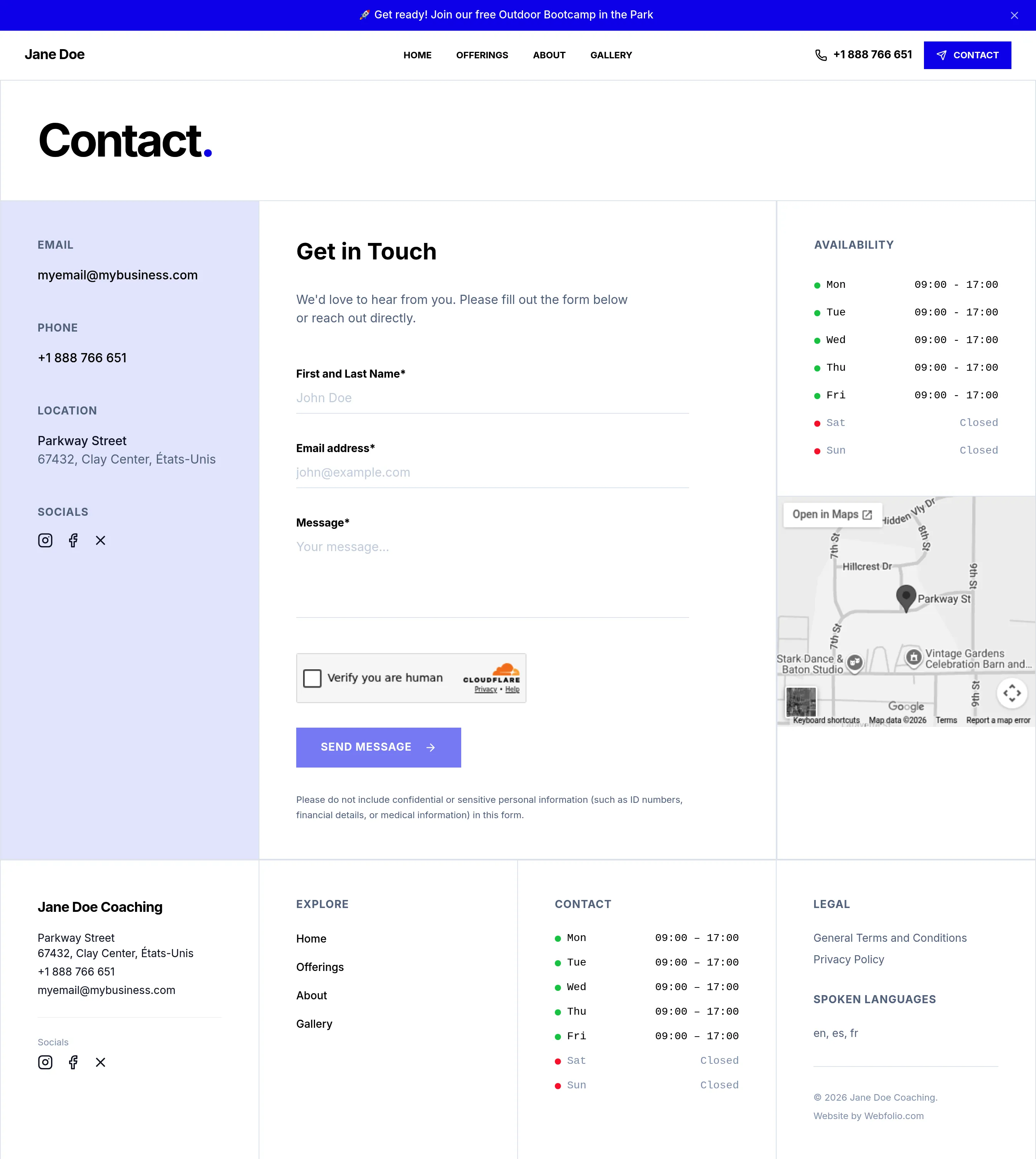
A 'Contact' page built to convert. Show your phone number, email, address, opening hours, contact form, social links, and Google Maps location in one clear place.
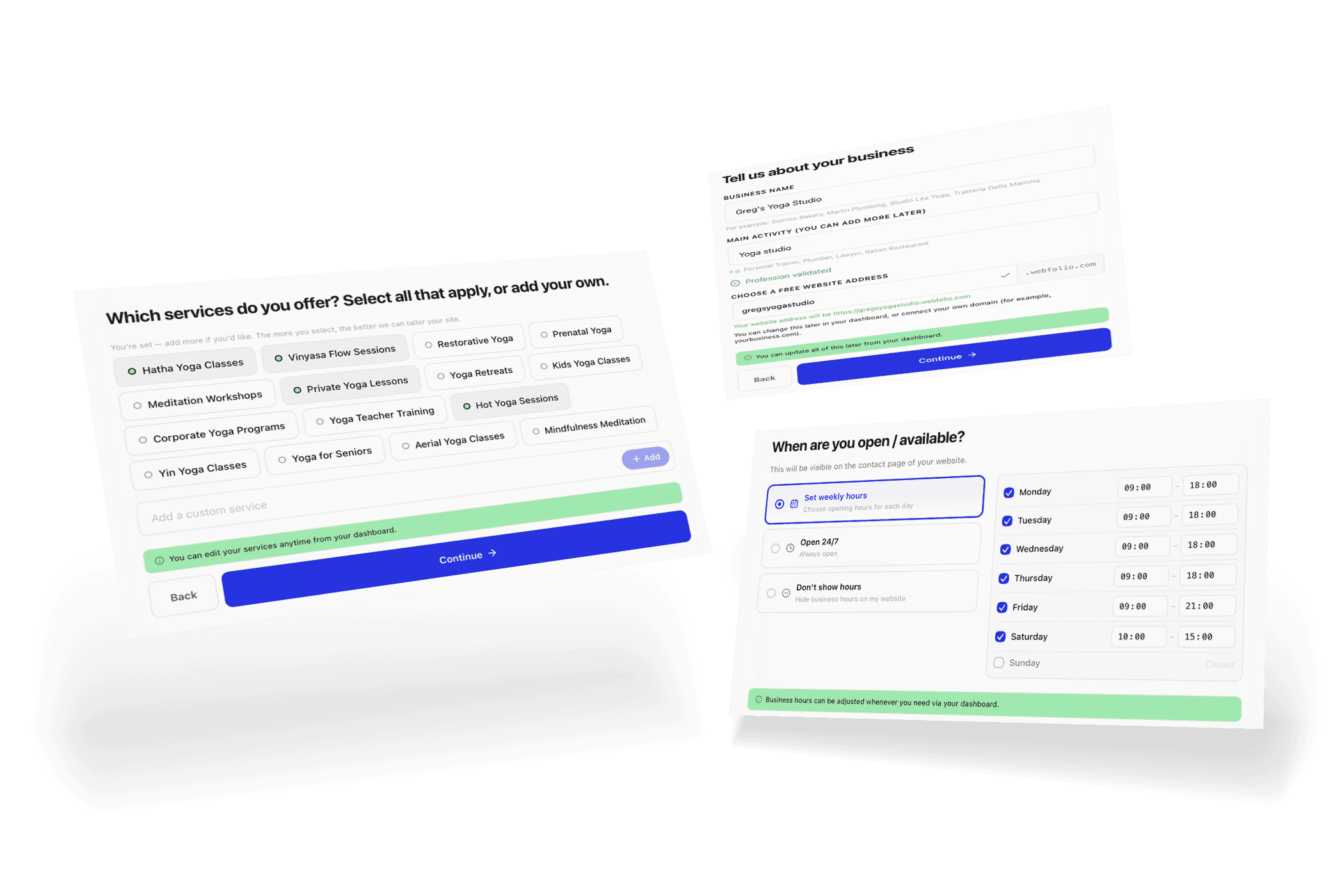
Need more than the five core pages? Add custom pages whenever you need them.
One framework. Endless possibilities.
Webfolio standardizes the structure, not your identity. Every website starts from the same proven framework, then you shape the visual style with colors, typography, headers, navigation, buttons, image styles, and subtle visual effects.
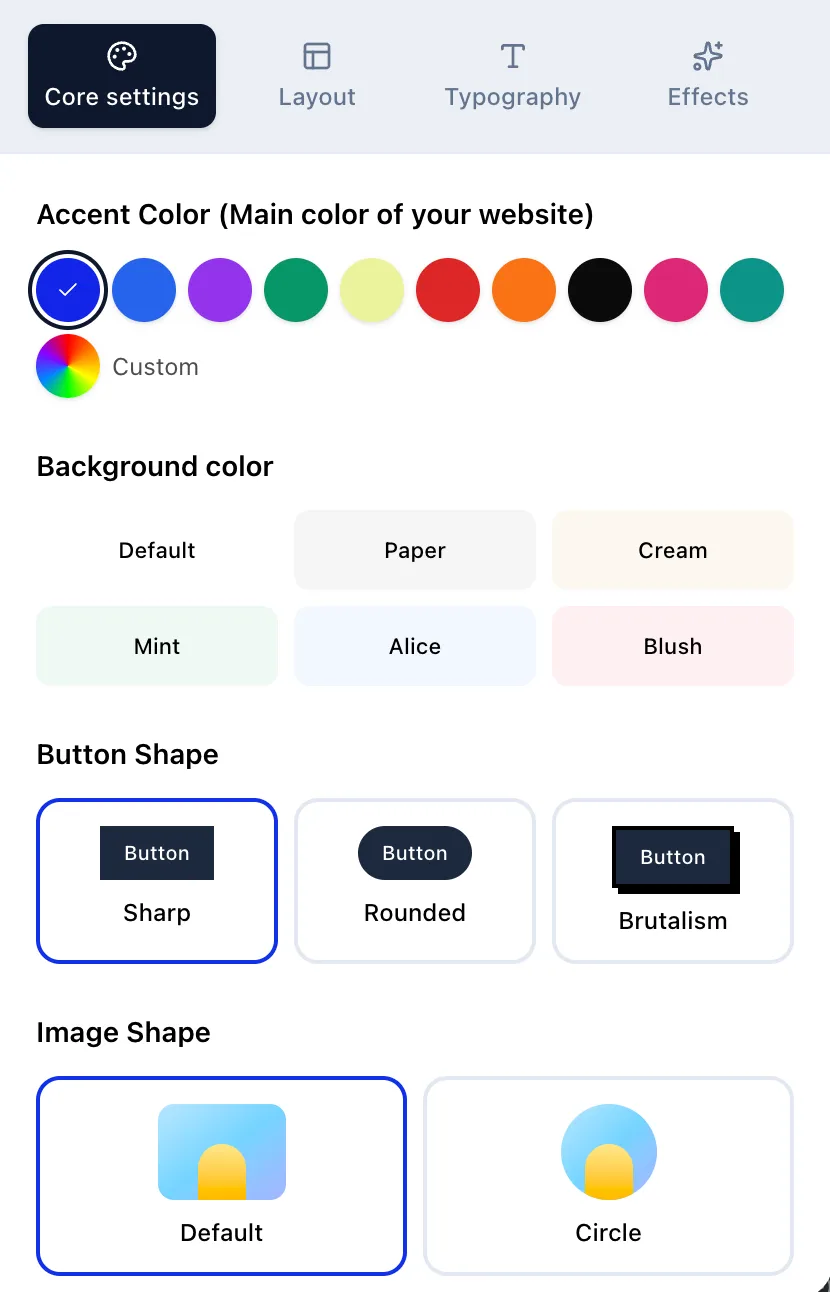
Colors - Choose accent and background colors that match your brand, from clean and neutral to bold and distinctive.
Buttons and image shapes - Choose sharper or softer visual details, including button styles and image shapes, to make your website feel more formal, warm, minimal, or expressive.
Hero section - Select from multiple hero layouts to create the right first impression at the top of your website.
Navigation - Choose a navigation style that fits your site, from a classic top bar to a more minimal layout.
Typography - Choose from a curated selection of fonts, sizes, and colors to give your website a voice that feels like yours..
Visual effects - Add subtle animations, motion effects, and custom scrollbars to give your site a modern, polished feel.
You may be wondering...
What does a Webfolio website include?
Every Webfolio website starts with five core pages: Home, Services, About, Gallery, and Contact. Each page is structured to help visitors understand who you are, what you offer, why they should trust you, and how to reach you.
Will my Webfolio website look like everyone else’s?
No. Webfolio standardizes the website structure, not the brand identity. You can personalize colors, typography, buttons, headers, navigation, image styles, and other visual details so your website feels like your business.
Is the structure fixed, or can I add custom pages?
Yes, you can add custom pages. While Webfolio starts with five core pages — Home, Services, About, Gallery, and Contact — the structure is not locked in. You can add custom pages whenever you need them, for policies, resources, blog posts, menus, service areas, events, team pages, landing pages, or other business-specific content.
Will my Webfolio website look good on mobile?
Yes. Every Webfolio website is mobile-responsive by default. Your site automatically adapts to phones, tablets, and desktops without any additional setup.
Can a Webfolio website show prices and service details?
Yes. Webfolio lets you add prices, durations, descriptions, categories, and supporting information to your services. This helps visitors compare offers and understand what they can expect before contacting you.
Can a Webfolio website show multiple business locations?
Yes. Webfolio supports business location information and Google Maps integration. This is useful for local businesses, mobile service providers, and companies operating from more than one location.
Can I update how my Webfolio website looks after publishing?
Yes. You can update your Webfolio website after publishing. You can change design settings, colors, fonts, images, navigation, content, services, contact details, and other information from your dashboard.
Can I use Webfolio for a restaurant, café, salon, coach, or local service business?
Yes. Webfolio can be used by many types of businesses, including restaurants, cafés, salons, coaches, consultants, wellness professionals, therapists, tradespeople, freelancers, and local service providers.