For independent professionals and small service businesses
Create a business website that clearly shows what you do.
You’re an expert at what you do, not at building websites. Answer a few questions and Webfolio prepares your five pages, copy included, with online booking ready whenever you want it. Then make it your own, at your own pace.
14-day free trial. No credit card required.
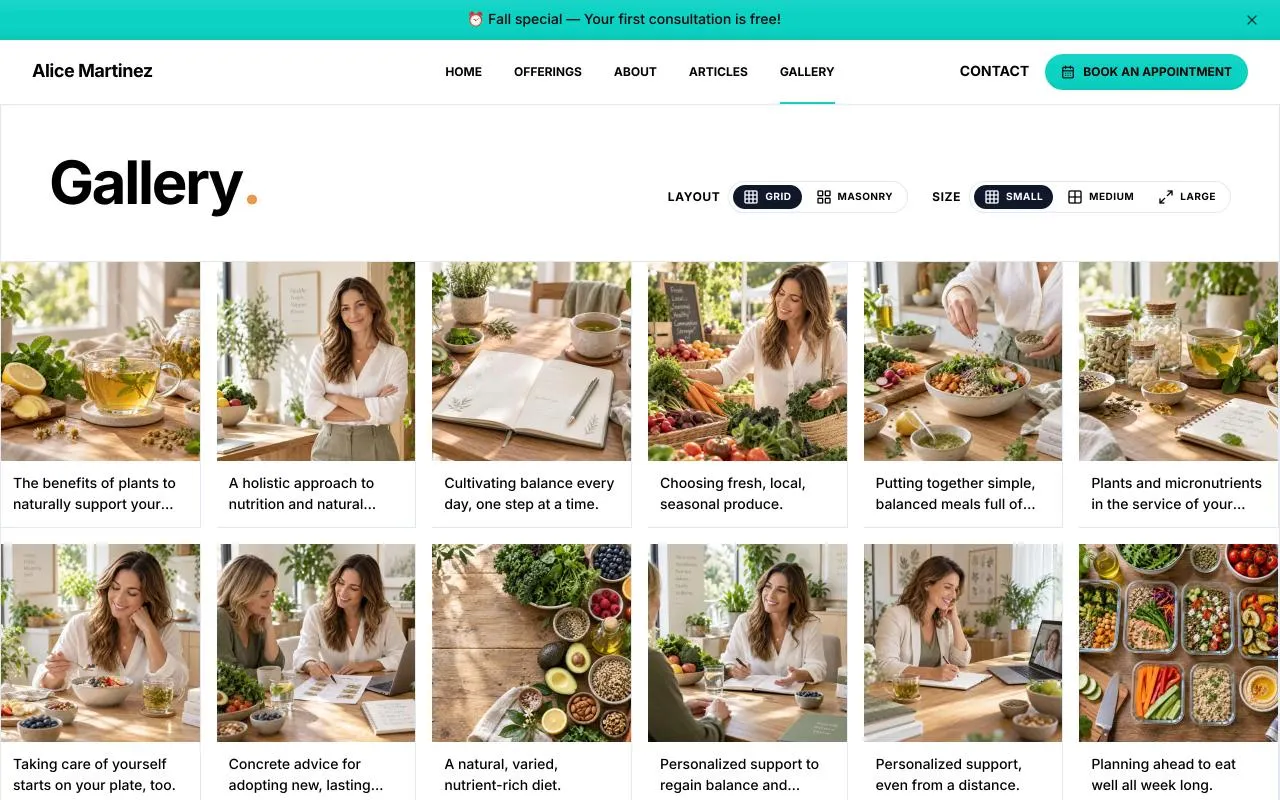
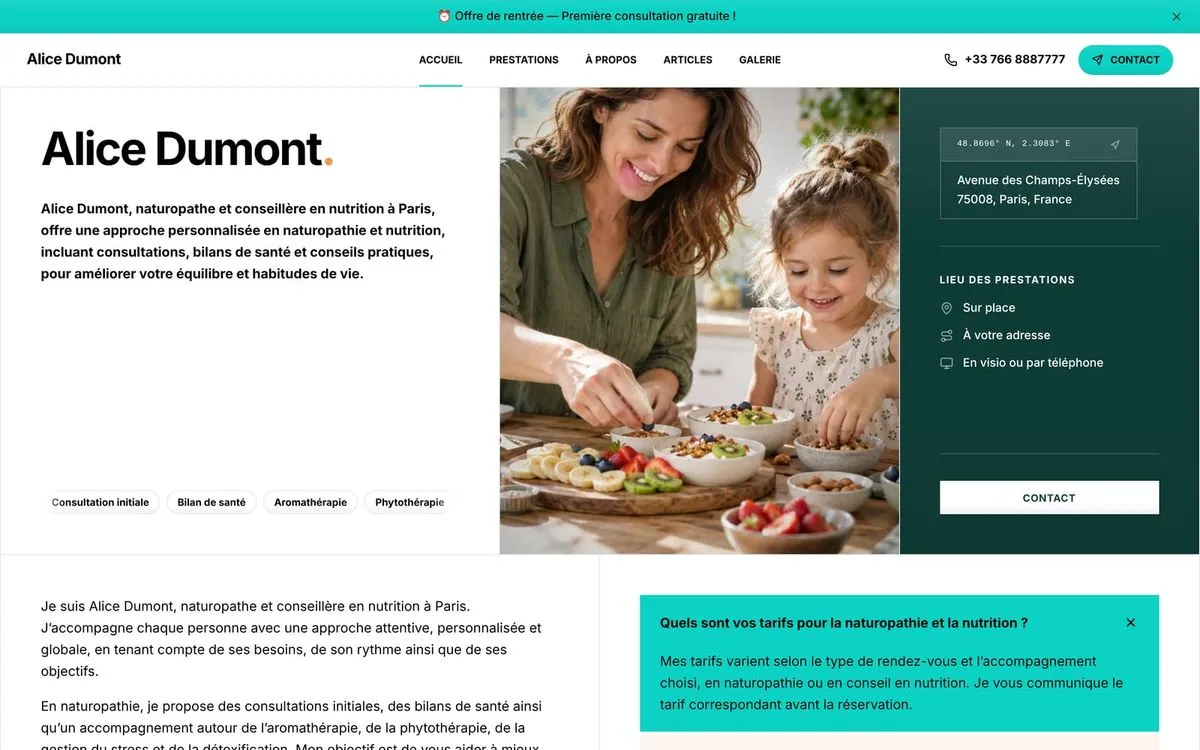 Alice Dumont, Naturopath and nutrition adviser, Paris. Opens in a new tab
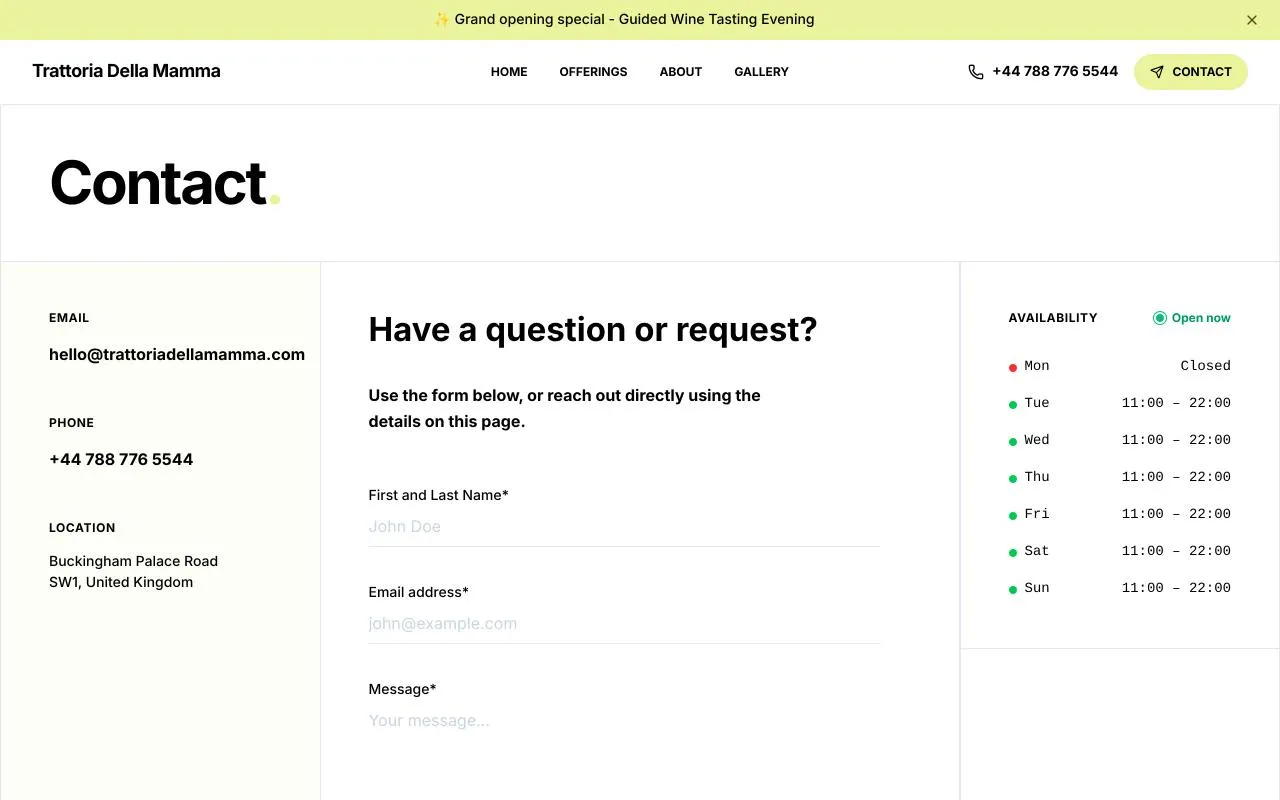
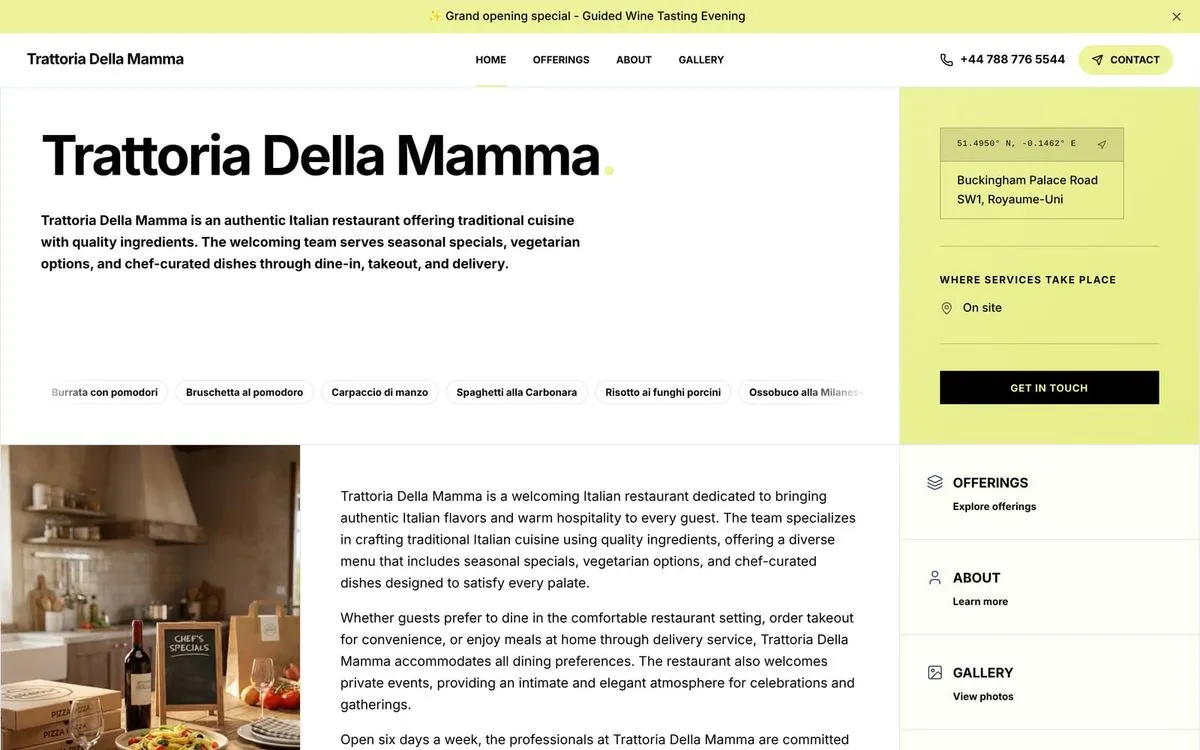 Trattoria Della Mamma, Italian restaurant, London. Opens in a new tab
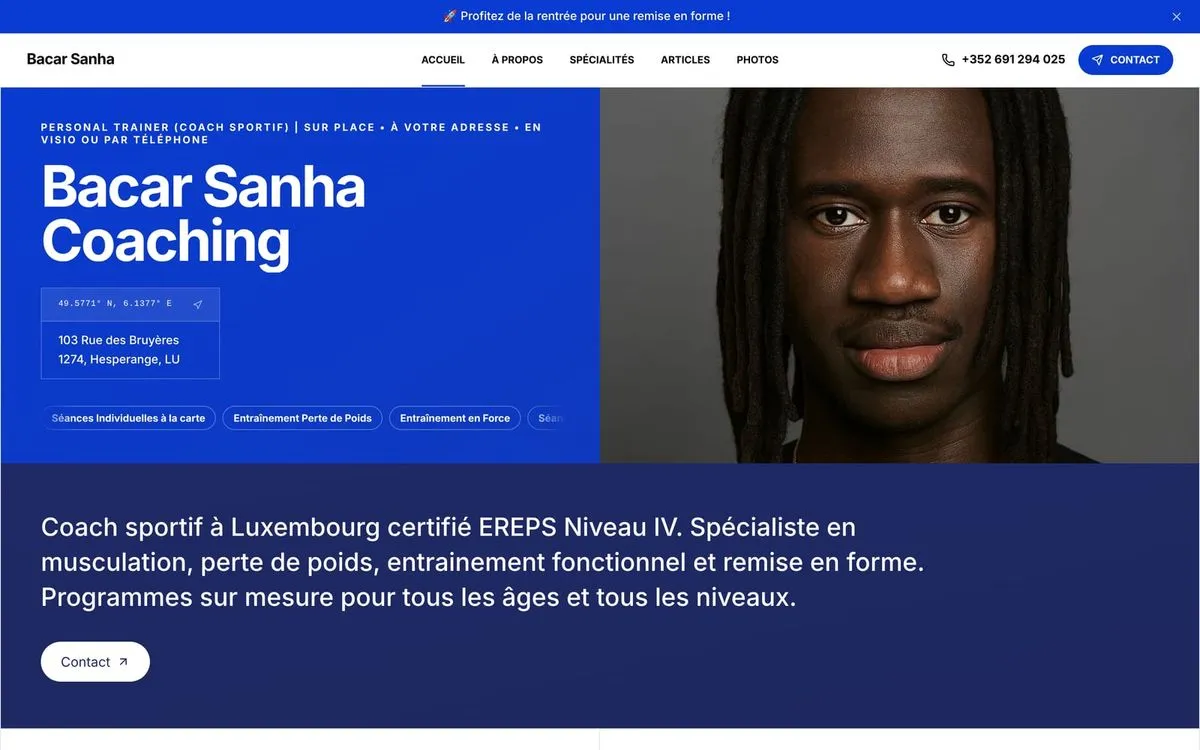 Bacar Sanha Coaching, Personal trainer, Luxembourg. Opens in a new tab
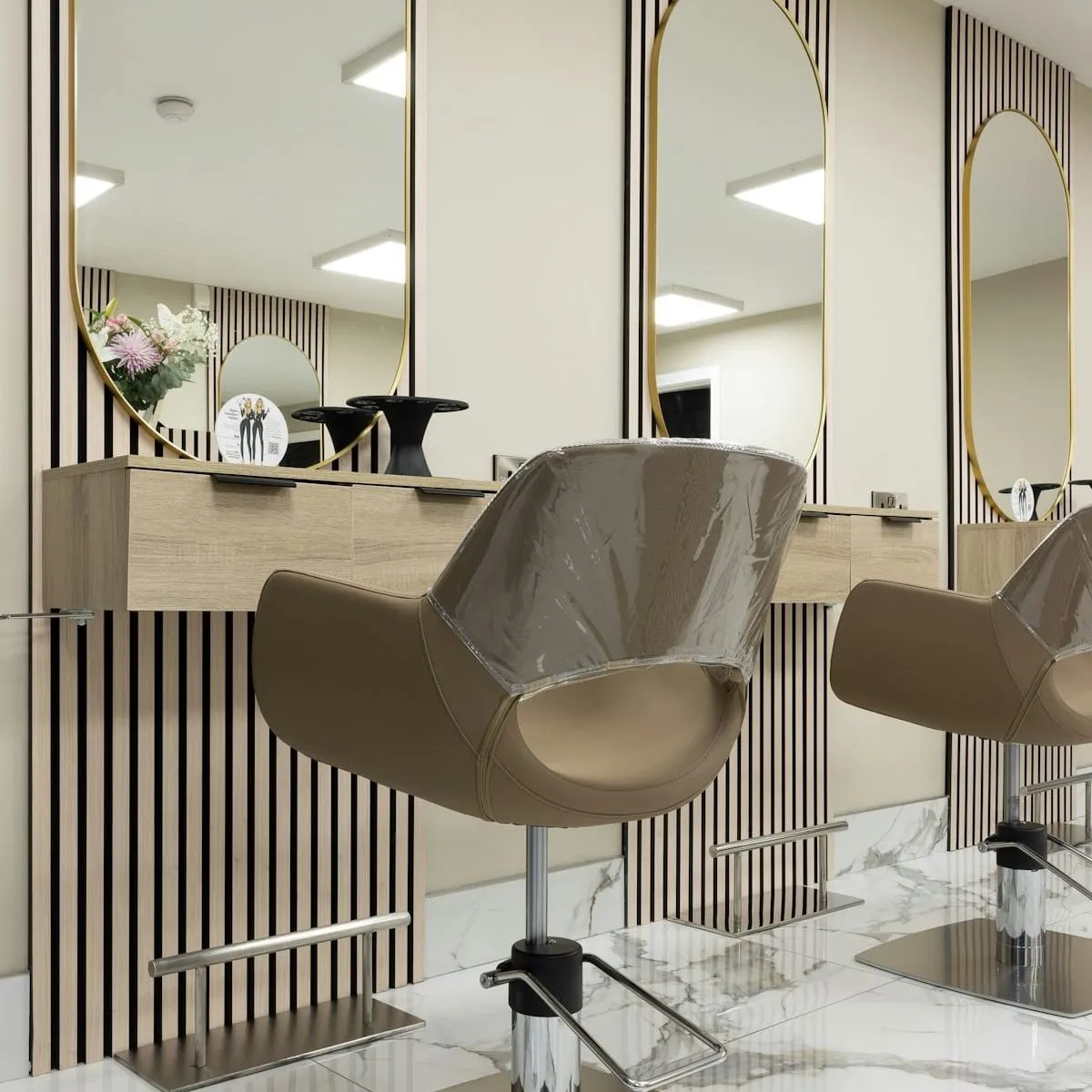
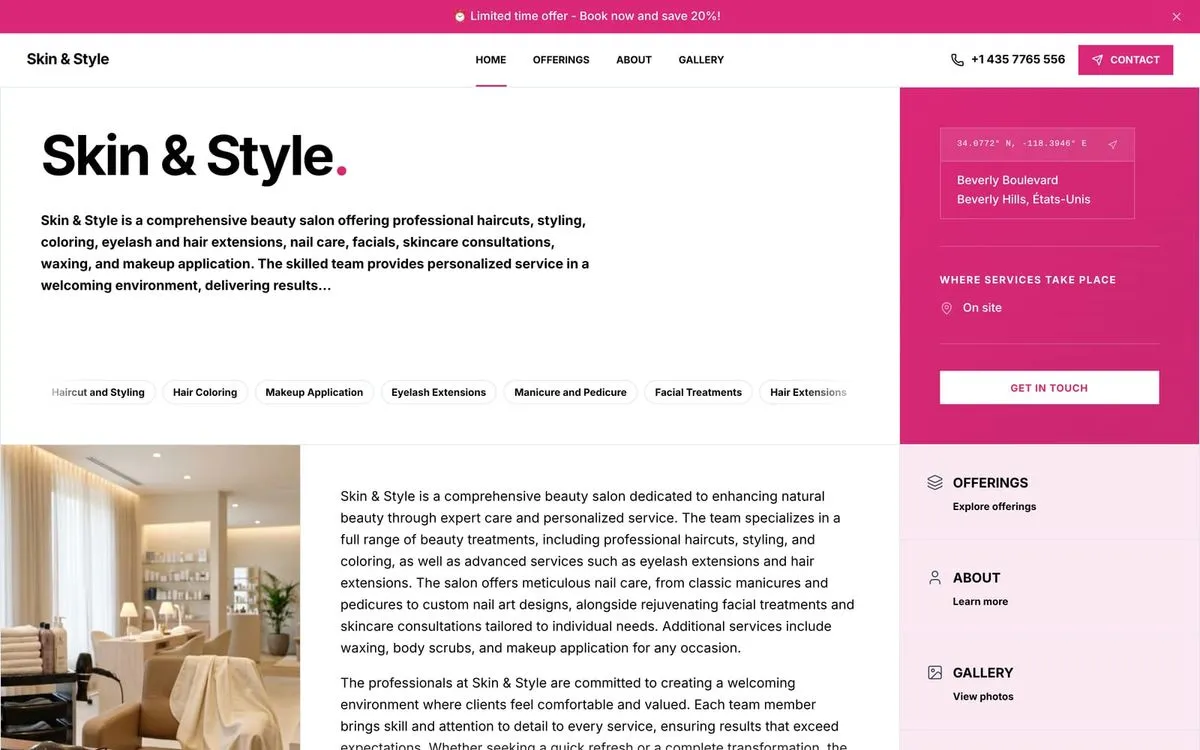 Skin & Style, Beauty salon, Beverly Hills. Opens in a new tab
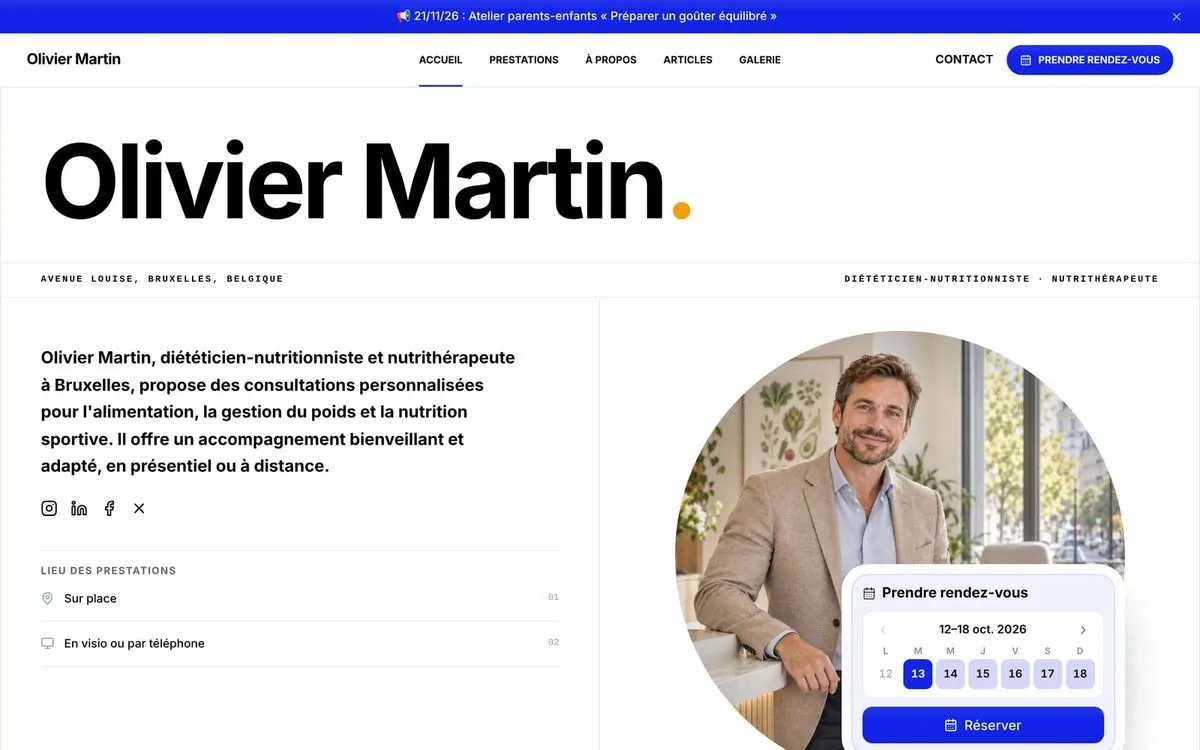 Olivier Martin, Dietitian and nutritionist, Brussels. Opens in a new tab
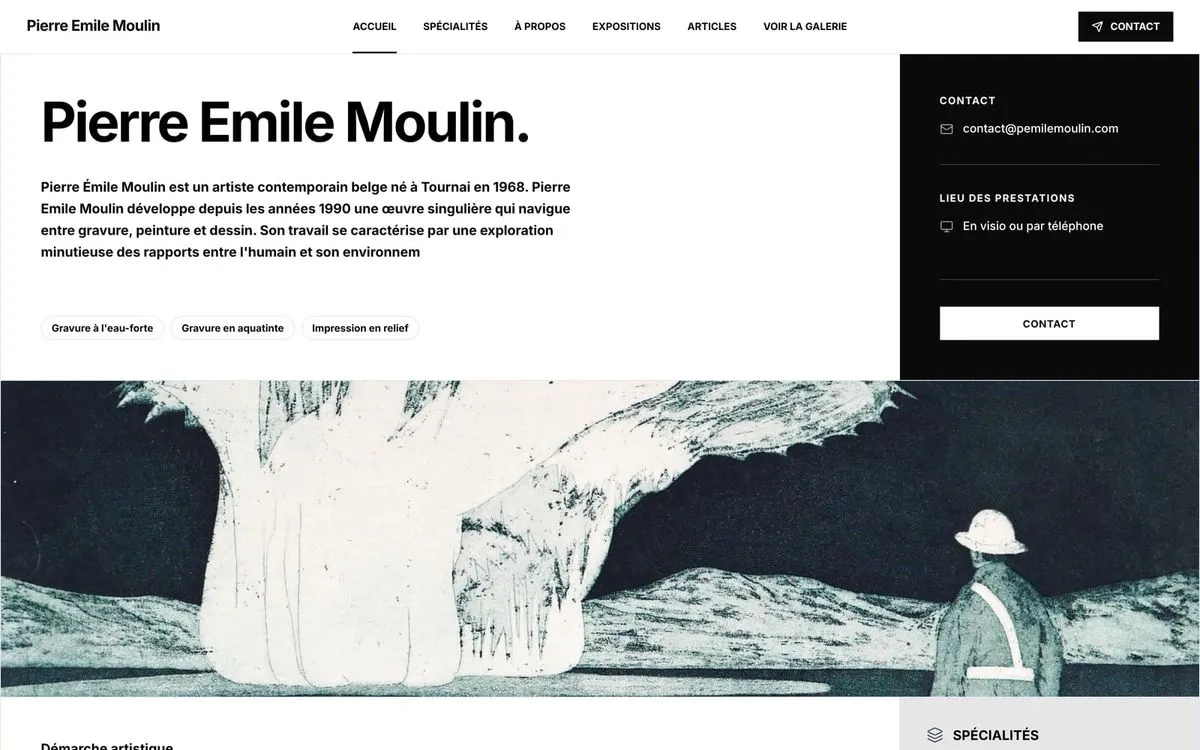 Pierre Emile Moulin, Belgian painter and printmaker. Opens in a new tab
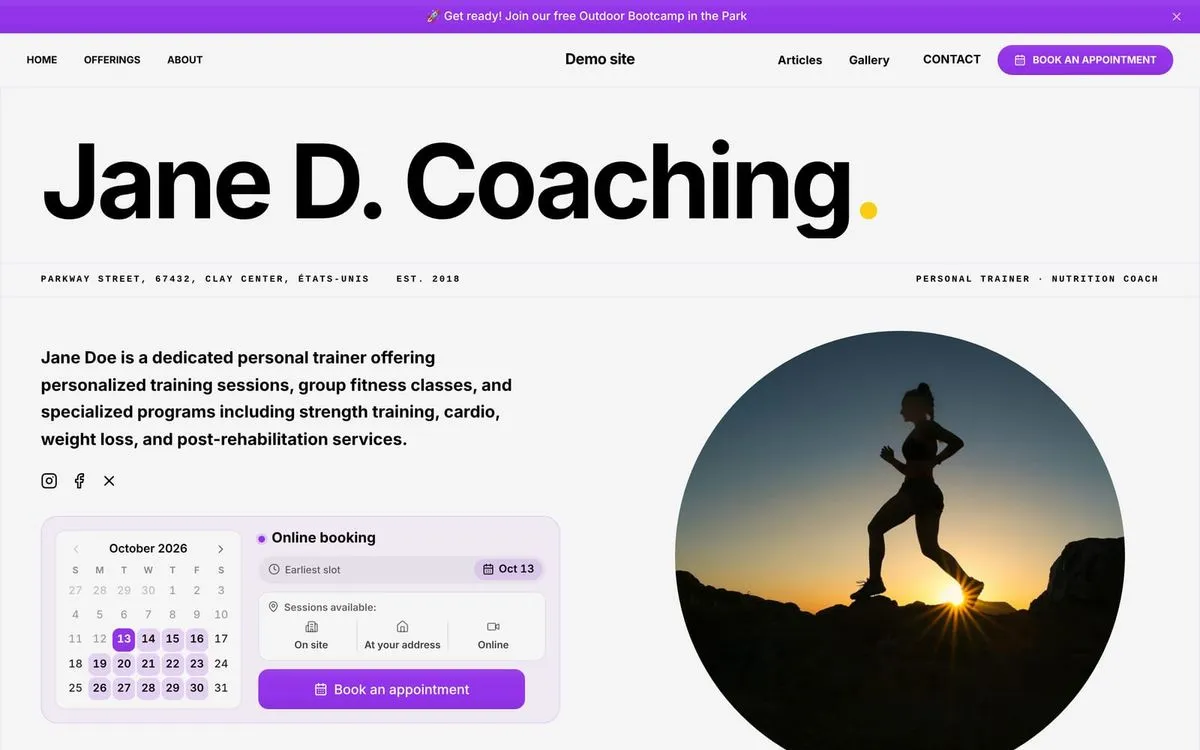 Jane D. Coaching, Personal trainer and nutrition coach. Opens in a new tab
Technologies used by Webfolio
- Vercel
- Next.js
- React
- Supabase
- Stripe
- OpenRouter
- Cloudflare
Tell us about your business. Webfolio builds your website.
Which pages do you need? How should you describe your services? Where do your hours and contact details go? When websites aren’t your line of work, these questions can eat up whole evenings.
Webfolio asks you the right questions and builds on a structure designed for service businesses. Your answers fill the right pages, with ready-written copy you can tweak to suit you.
- Pages to showcase your business5
- Minutes, approximately, to tell us about your business10
- Days to try it free, with no credit card14
Your website in three simple steps
Simple questions, suggestions tailored to what you do, and a preview so you can see the result as you go.
- 01
Tell us about your business
Add your professions, select your services, and enter your business details. You’ll be guided at every step.
- 02
See your website take shape
Your answers become five structured pages, with suggested text and images you can make your own.
- 03
Make it yours and publish
Review your content, add your photos, and choose your style. Then publish on your Webfolio address or your own domain, and turn on online booking whenever you’re ready.
They made their website with Webfolio
In their own words, translated from French.
With Webfolio, I quickly put a nice website online for my side business. The result is great, and it is easy to update myself.
Marie Honestly, I expected creating a website with Webfolio to be painful, like with every other tool I had tried before. In fact, it was very easy, and Webfolio covered 99% of my needs.
Pierre I’m very demanding, and I was afraid my website would look too generic, but not at all. After a few tweaks, mainly the colours and adding my own photos, it’s really, really good. I even think it’s better than my old website, which was made by an agency and cost a lot…
David
Everything you need to showcase your services and take bookings
From building your website to managing appointments, all the tools your business needs come in one plan.
- 01
Edit your website yourself
A text, a price, a photo, your opening hours: change them in a couple of minutes from your dashboard, with safeguards at every step. - 02
All your services, clearly presented
Offer more than one type of service? Give each area of your business its own offerings, descriptions, prices, and durations. - 03
Online booking, right on your website
Clients choose an available time and receive a confirmation and email reminders. - 04
Your web address, with hosting included
Use your Webfolio address or connect your own domain. Hosting and an SSL certificate are included. - 05
A helping hand with your website copy
AI uses your business details to draft your introduction and service descriptions. Review, edit, and keep control of every word. - 06
Page builder
Blog articles and in-depth pages, written by you or by AI. - 07
SEO essentials, built in
Page titles, descriptions, and structured data: Webfolio handles the technical basics that help search engines understand your website.
A five-page website that introduces your business properly
Help visitors get to know you, understand your services, and see straight away how to get in touch or book.
- 01
Home
Make it clear what you do from the start and guide visitors to your services.
- 02
Services
Present the services you offer in each area of your business, with descriptions, durations, prices, and photos.
- 03
About
Share your background and approach so visitors can get to know the person behind the business.
- 04
Gallery
Show your workspace, your work, and your projects in pictures.
- 05
Contact
Bring together your contact details, opening hours, location, and a form to send you a message.
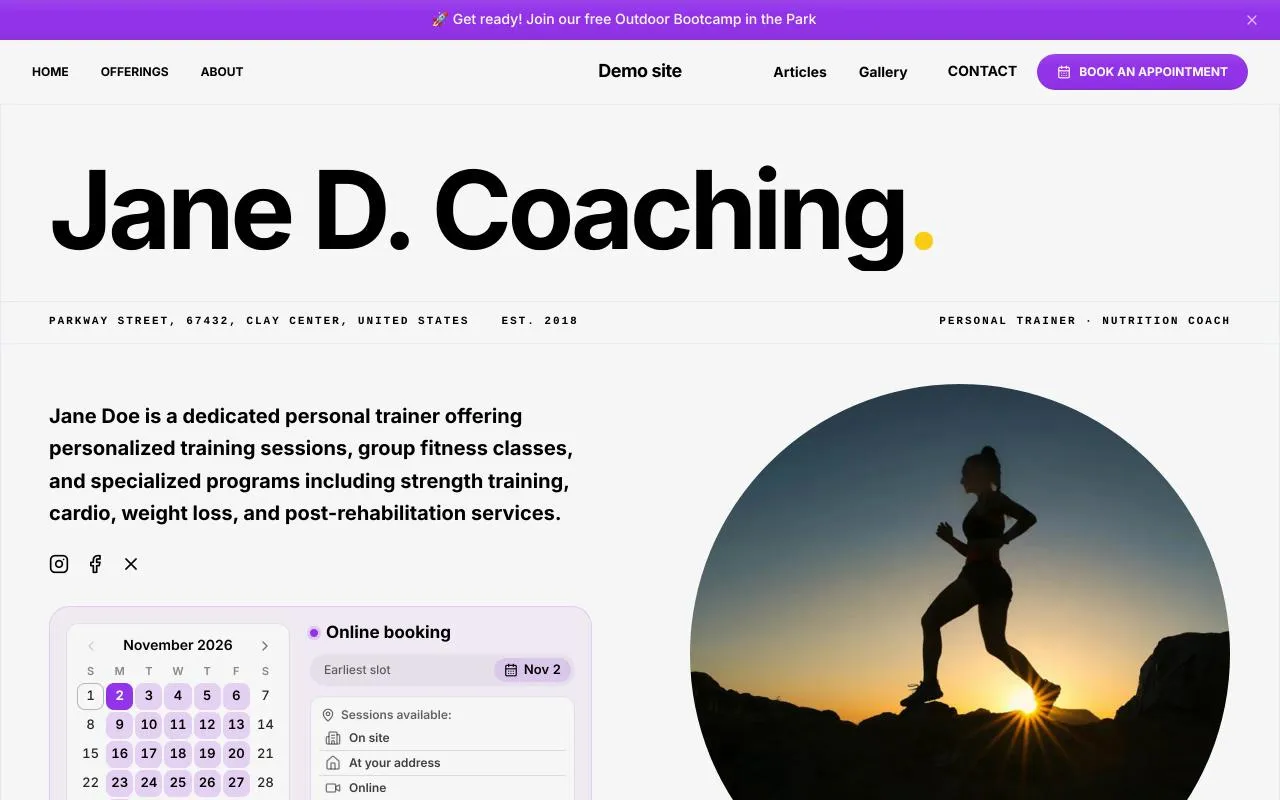
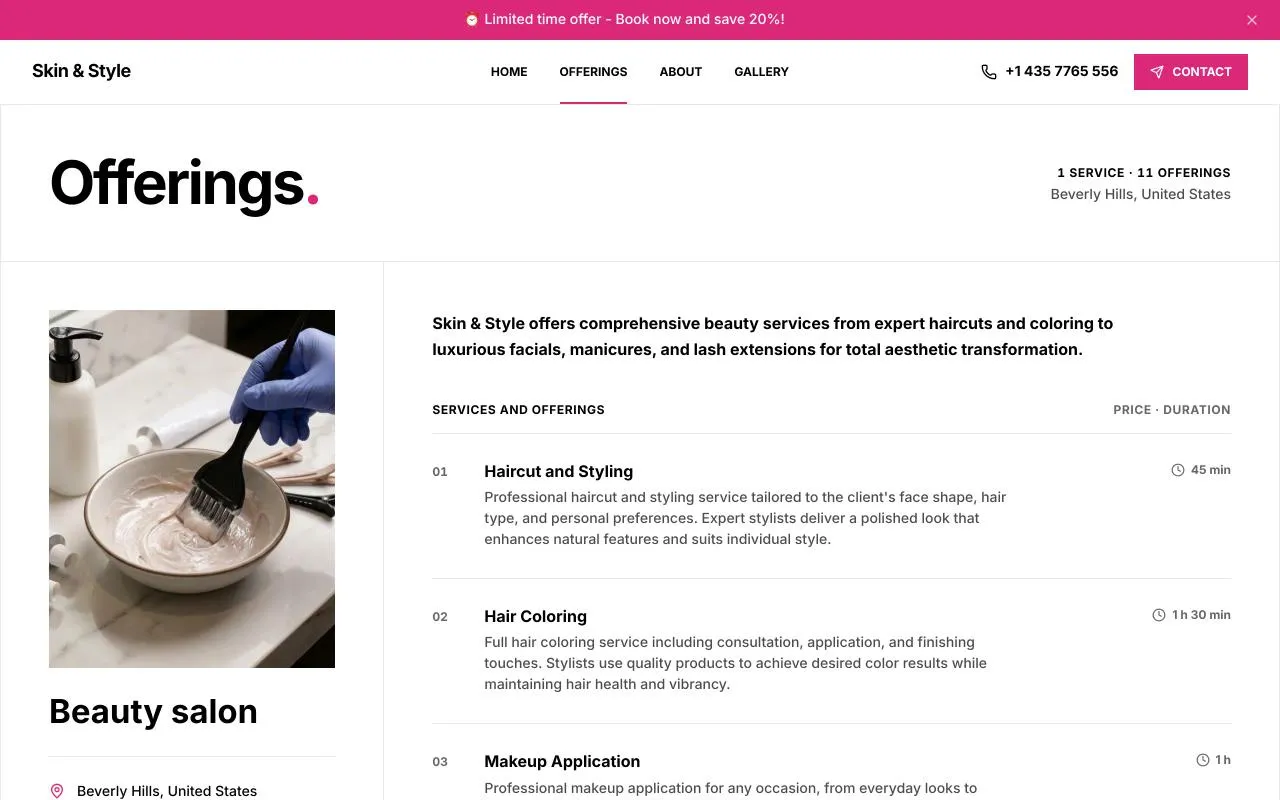
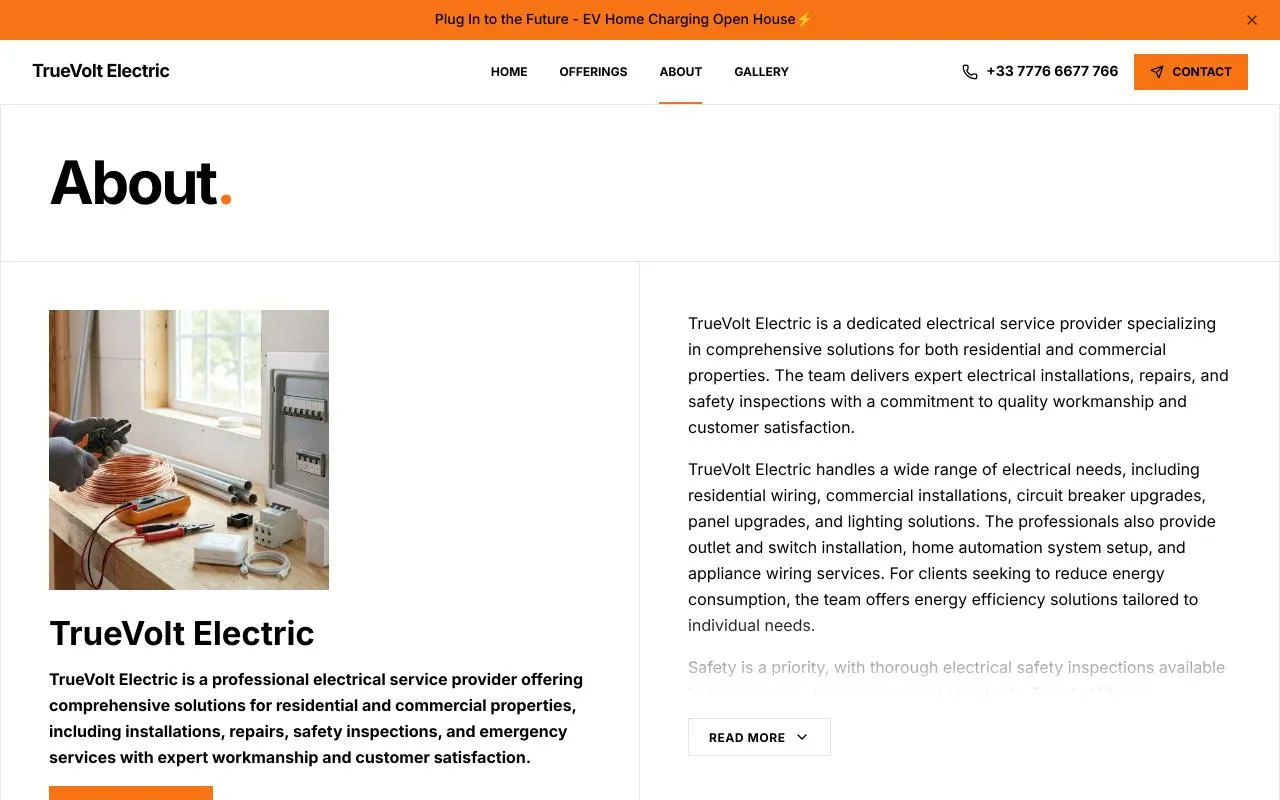
Your website can grow with your business. Add testimonials, FAQs, events, downloads, articles, or extra pages whenever you need them.
See what you can build with Webfolio
Explore these examples to see the pages, service listings, and design options in action.
Practical website advice for your profession
What should you include on your website? How should you explain your services? Our guides offer practical advice tailored to your profession.

Create a naturopath website
Create a professional naturopath website: present your approach and consultations, reassure clients before a first appointment, and offer online booking.9 sections8 common questions21-minute read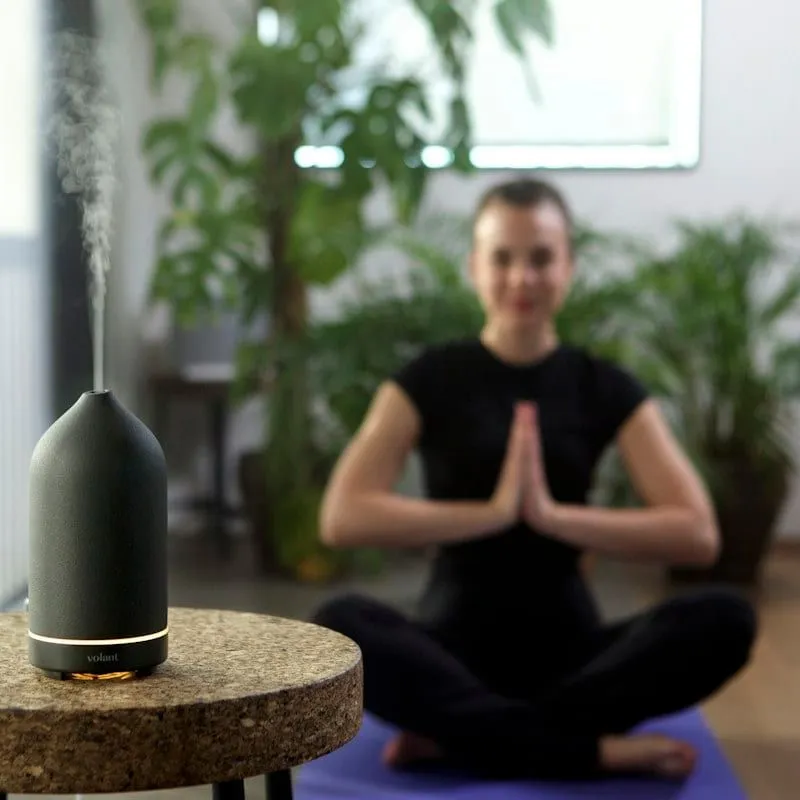
Create a sophrologist website
Create a professional sophrologist website: present your sessions and workshops, explain the limits of sophrology, and offer online booking.9 sections8 common questions22-minute read
Create a personal trainer website
Create a personal trainer website made for local search: present your specialisms, sessions and classes, and let clients book online.9 sections8 common questions22-minute read
Create an acupuncturist website
Create a professional acupuncturist website: present your training and consultations, the precautions before a first session, and online booking.9 sections8 common questions22-minute read
Create an aromatherapist website
Create a professional aromatherapist website: present your advice sessions and workshops, the safe use of essential oils, and online booking.9 sections8 common questions22-minute read
Create a chiropractor website
Create a professional chiropractor website: present your training, assessment and consultations, and let patients book appointments online.9 sections8 common questions22-minute read
Create a dietitian website
Create a professional dietitian website: present your training, consultations and approach, and let patients book appointments online.9 sections8 common questions22-minute read
Create a life coach website
Create a professional life coach website: present your approach, your sessions and the limits of coaching, and offer an introductory session online.9 sections8 common questions22-minute read
Create an occupational therapist website
Create a professional occupational therapist website: present your assessments and home visits, and let patients book appointments online.9 sections8 common questions22-minute read
Create an iridologist website
Create a professional iridologist website: present your approach, your sessions and the limits of iridology, and offer online booking.9 sections8 common questions22-minute read
Create a kinesiologist website
Create a professional kinesiologist website: present your method, your sessions and the limits of kinesiology, and offer online booking.9 sections8 common questions22-minute read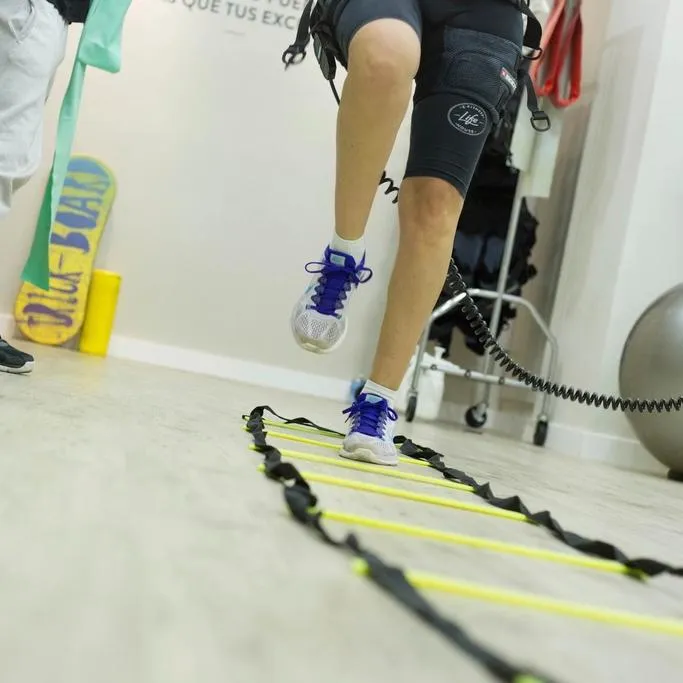
Create a physiotherapist website
Create a professional physiotherapist website: present your assessments and sessions at the practice or at home, and let patients book online.9 sections8 common questions22-minute read
Create a massage therapist website
Create a professional massage therapist website: present your massages, their length and your prices, and let clients book sessions online.9 sections8 common questions22-minute read
Create a nutritional therapist website
Create a professional nutritional therapist website: present your approach, your appointments and the precautions that matter, and offer online booking.9 sections8 common questions22-minute read
Create a speech and language therapist website
Create a professional speech and language therapist website: present your assessments and sessions, explain referrals, and offer online booking.9 sections8 common questions22-minute read
Create an orthoptist website
Create a professional orthoptist website: present your assessments and rehabilitation, reassure patients before a first visit, and offer online booking.9 sections8 common questions22-minute read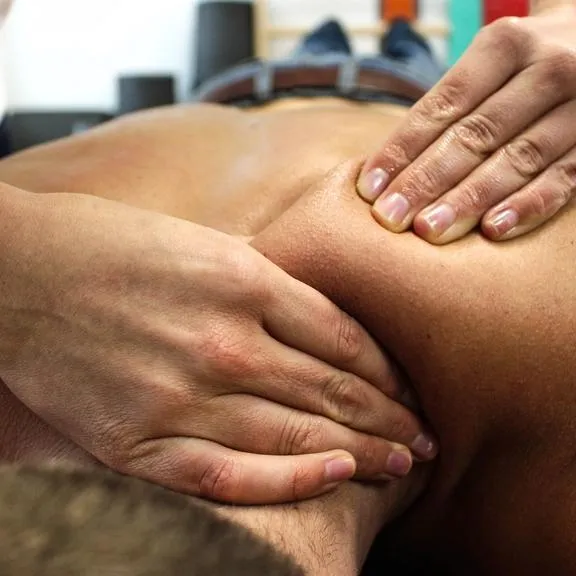
Create an osteopath website
Create a professional osteopath website: present your training and consultations, the precautions before a first session, and online booking.9 sections8 common questions22-minute read
Create a yoga teacher website
Create a yoga teacher website: present your background, classes and workshops, and let students sign up for a first class online.9 sections8 common questions22-minute read
Create a psychologist website
Create a professional psychologist website: present your approach and consultations while respecting confidentiality, and offer online booking.9 sections8 common questions22-minute read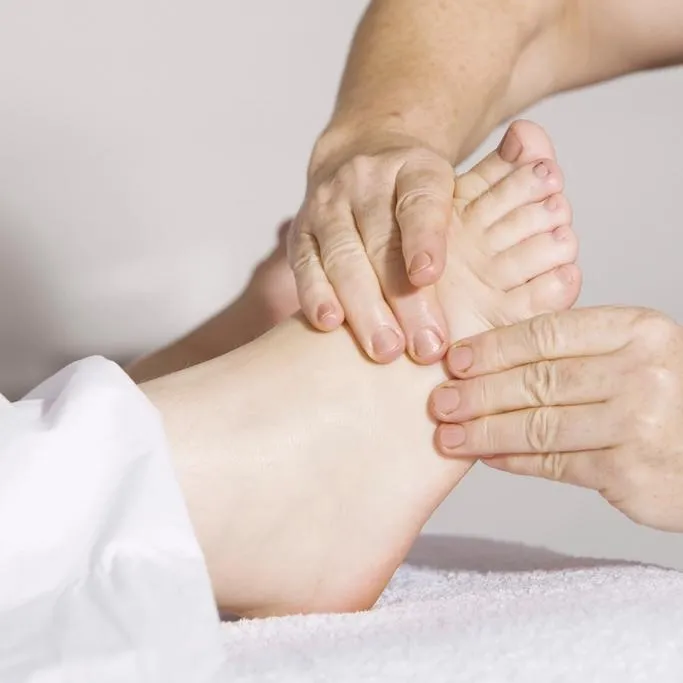
Create a reflexologist website
Create a professional reflexologist website: present your approach, your sessions and their limits, and let clients book appointments online.9 sections8 common questions22-minute read
Create an independent midwife website
Create an independent midwife website: present your care from pregnancy to after the birth, and let patients book appointments online.9 sections8 common questions22-minute read
Create a hair salon website
Create a hair salon website: present your salon, services and prices, and let clients book their appointments online.9 sections8 common questions20-minute read
Create an electrician website
Create an electrician website: present your work, your area and your qualifications, and receive quote and site visit requests online.9 sections8 common questions20-minute read
Create a beauty salon website
Create a beauty salon website: present your treatments, prices and salon, and let clients book their treatments online.9 sections8 common questions20-minute read
Create a restaurant website
Create a restaurant website: present your food, menus and opening hours, and receive table requests online.9 sections8 common questions21-minute read
Create a hypnotherapist website
Create a professional hypnotherapist website: present your approach, your sessions and their limits, and let clients book appointments online.9 sections8 common questions21-minute read
Create an independent nurse website
Create an independent nurse website: present your care, the areas you cover and your qualifications, and receive appointment requests online.9 sections8 common questions21-minute read
Create a plumber website
Create a plumber website: present your work, your area and your qualifications, and receive quote and site visit requests online.9 sections8 common questions21-minute read
Create a podiatrist website
Create a professional podiatrist website: present your training, care and assessments, and let patients book appointments online.9 sections8 common questions21-minute read
Webfolio or Wix: which approach suits you?
We built a website for a massage business with both tools. Compare the steps involved, the initial results, and what still needed work.
- Building the website
- WebfolioA guided questionnaire prepares the pages and content.
- WixA template or AI assistant provides a starting point to customise.
- Initial result in our test
- WebfolioFive pages with suggested content, in under 10 minutes.
- WixTwo pages generated in the flow we tested, with content and finishing work still needed.
- Online booking
- WebfolioIncluded in the subscription
- WixDependent on the plan selected at the time of our test
- Ecommerce
- WebfolioNot offered
- WixAvailable on eligible plans
- Design customisation
- WebfolioA ready-made structure with customisable styles
- WixExtensive customisation options
| What we compared | Webfolio | Wix |
|---|---|---|
| Building the website | A guided questionnaire prepares the pages and content. | A template or AI assistant provides a starting point to customise. |
| Initial result in our test | Five pages with suggested content, in under 10 minutes. | Two pages generated in the flow we tested, with content and finishing work still needed. |
| Online booking | Included in the subscription | Dependent on the plan selected at the time of our test |
| Ecommerce | Not offered | Available on eligible plans |
| Design customisation | A ready-made structure with customisable styles | Extensive customisation options |
Based on our test in May 2026. Features and plans may change.
Read the full comparisonYour website and bookings, in one subscription
Take 14 days to create your website and explore Webfolio, with no credit card required. Then continue with one plan that includes your website, online booking, hosting, and support.
Try Webfolio
14 days free
No credit card required
- Create your website and try online booking
- Your own your-name.webfolio.com address
- Real people ready to help
The Webfolio plan
Website, booking, and hosting included
Turn off renewal from your dashboard
- Keep your website and the tools you explored during your trial
- Allow search engines to index your website
- Personal support from our team
Search engine indexing is available with a paid subscription.
Your questions about Webfolio
What can I create with Webfolio?
Webfolio helps you create a professional website that introduces your business, showcases your services, and makes it easy for clients to get in touch or book online. You start with five pages that you can personalise and expand over time.
How do I create my website?
A questionnaire guides you through your professions, services, opening hours, and contact details. Webfolio then prepares your pages with suggested text and images. Preview the result, make your changes, and check your details before publishing. You can keep editing your website whenever you need to.
Is Webfolio right for my business?
Webfolio is designed for independent professionals and small businesses that want to showcase their services, including coaches, therapists, consultants, tradespeople, wellness practitioners, beauty salons, cafés, and restaurants. Work in more than one profession? Present them on the same website, each with its own services. If you need an online shop or a highly bespoke website structure, another tool will be a better fit.
Is Webfolio suitable if I work on my own?
Yes. Webfolio is built with solo professionals in mind. You can create your website, update your services, and change your opening hours yourself. If you enable online booking, you can also manage appointments and find your clients' contact details in your dashboard.
How is Webfolio different from Wix, WordPress, or Squarespace?
Webfolio starts with a structure designed for service businesses. You describe your business, select your services, and personalise the result without having to organise every page yourself. The focus is on a straightforward setup and easy day-to-day updates. It suits you if you want a professional website with guided design choices.
How does Webfolio use AI?
AI uses your business details to help draft your introduction, service descriptions, and FAQs, and to generate illustrations. You can edit the suggested text and replace the images. Our team designs the website structure and setup process around the needs of service businesses.
Can I create my website without technical skills?
Yes. Each step tells you what to add and gives you straightforward choices. Default settings help you get started, and a preview shows you the result. Webfolio takes care of hosting, so you can focus on your business details, words, and photos. Our team is there if you need help.
I already have a website. Do I have to start again?
No. On the Convert my website page, enter your website’s address: Webfolio reads its pages, texts and photos and builds a Webfolio site from them. You look at the result before you decide anything, and your current website is not changed.
Your business deserves a great website. Start yours today.
Enter your business name and we’ll guide you from there. Enjoy a 14-day free trial, no credit card required.